One line
A calm medication tracker that grows a watercolor garden, with no account and no server.
Press kit
A gentle medication tracker
Download the press kitZIP, 45 MBEvery image below at full size, plus the facts and descriptions as text.
Three lengths. Take whichever fits.
A calm medication tracker that grows a watercolor garden, with no account and no server.
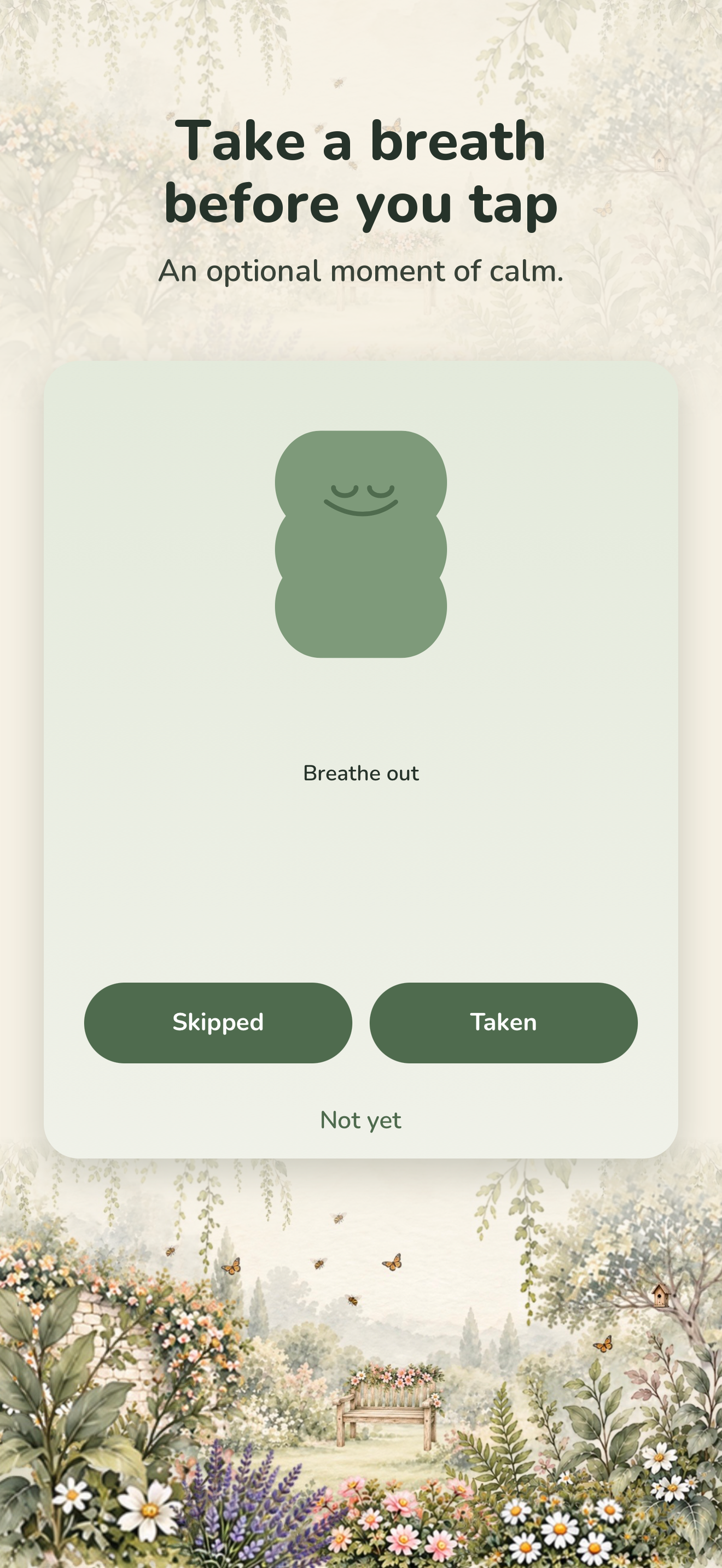
Tiny Grove is a medication tracker built on one idea: keeping up with your medications should never make you feel bad. Every dose you take helps a small watercolor garden grow, and nothing you do ever makes it wilt. There are no streaks, no scores, and no red, and a skipped dose is recorded as a fact, never as a failure. It has no server at all: no account, no ads, no tracking, and every record stays on the phone.
Tiny Grove is a medication tracker built on one idea: keeping up with your medications should never make you feel bad.
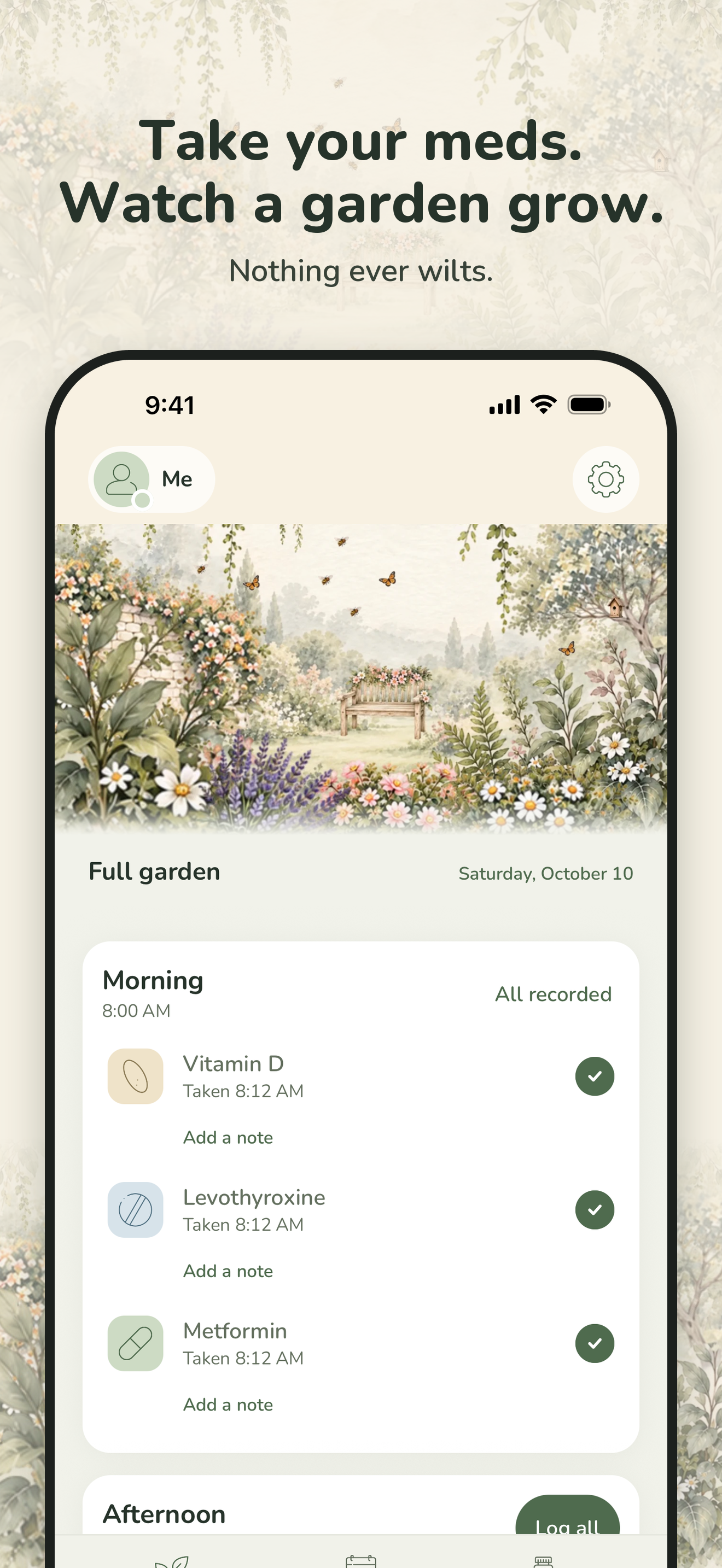
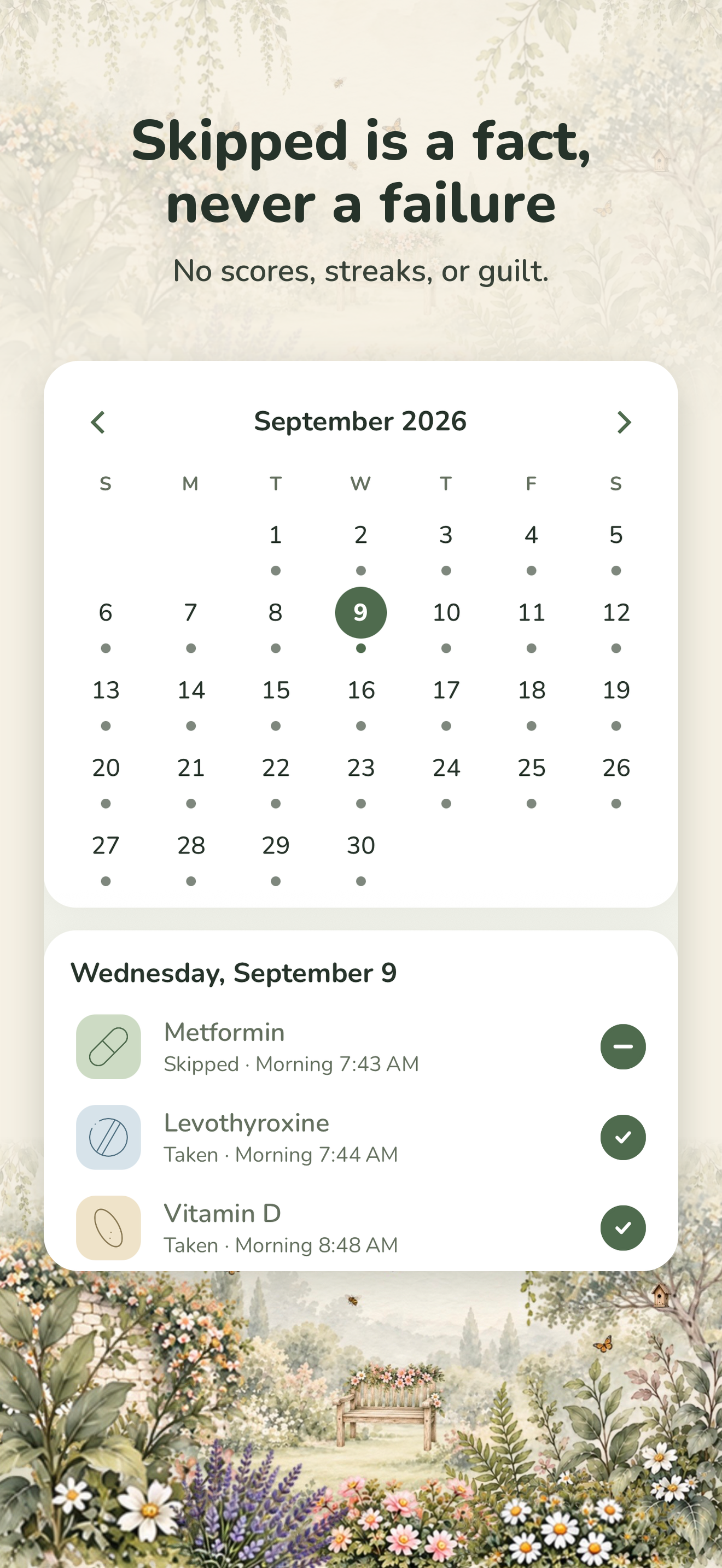
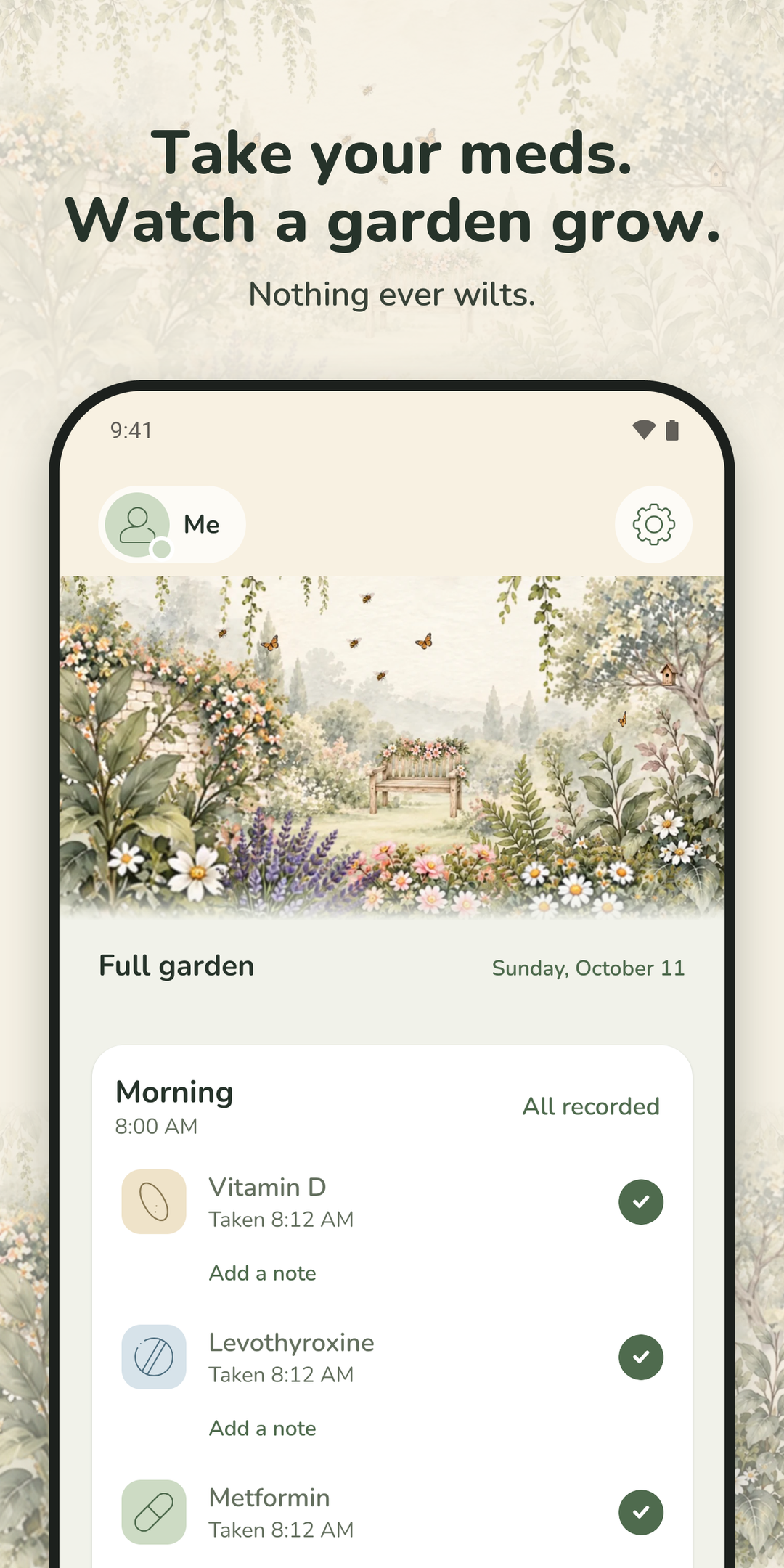
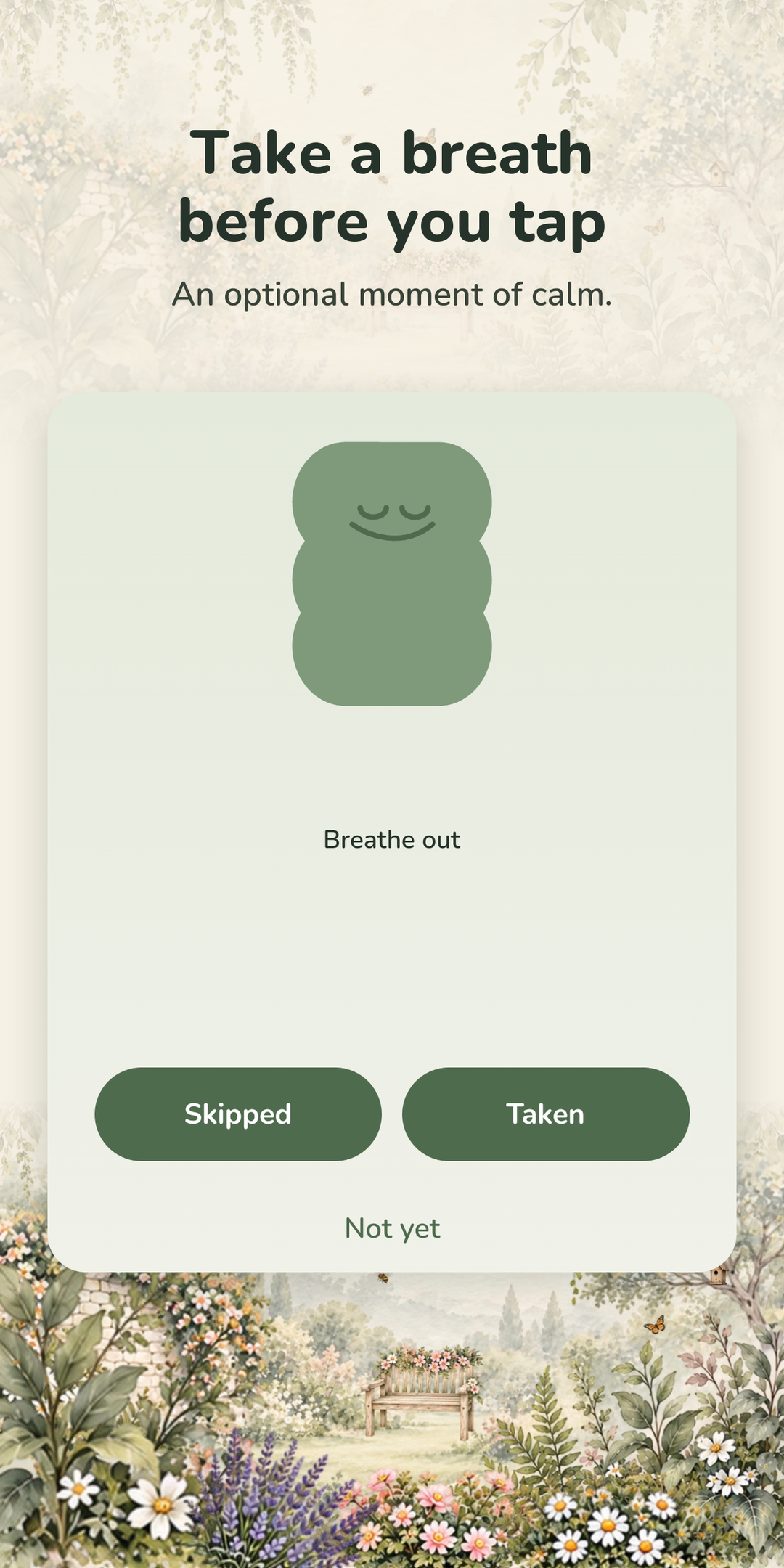
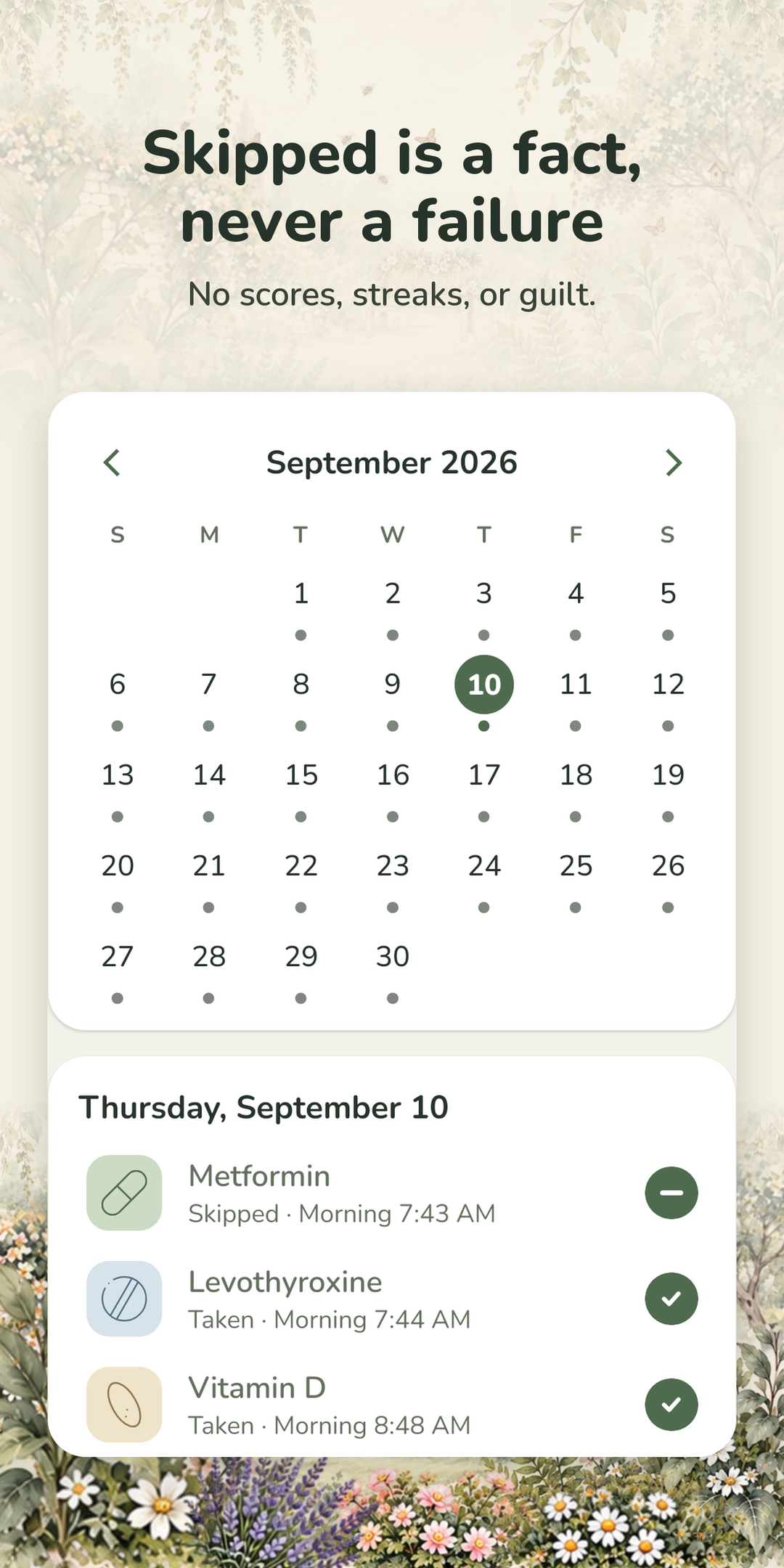
Every dose you take helps a small watercolor garden grow, painted by the illustrator Bumblely on Etsy. Nothing ever wilts. There are no streaks, no scores, and no red anywhere in the app. A skipped dose is recorded as a fact, never as a failure, so coming back after a hard week feels exactly like coming back after a good day.
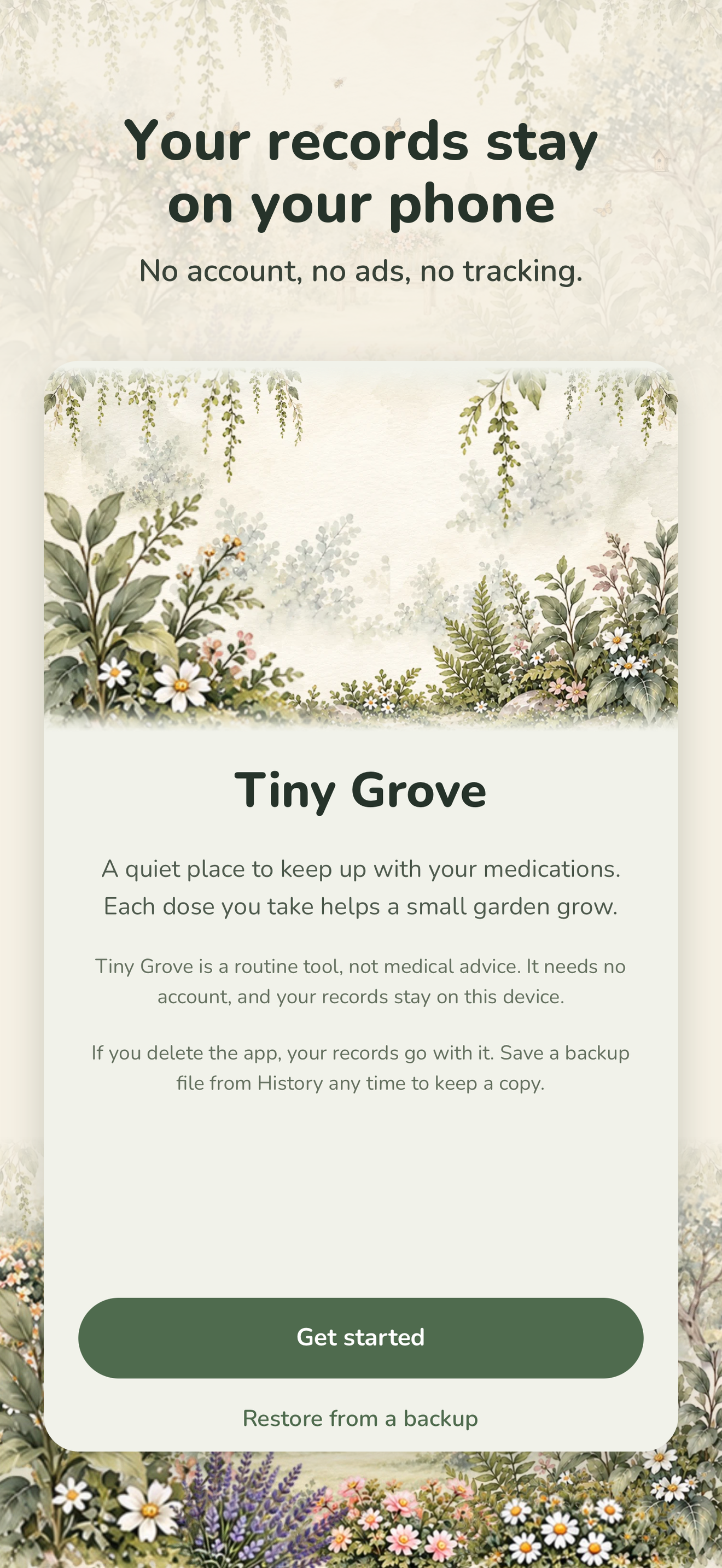
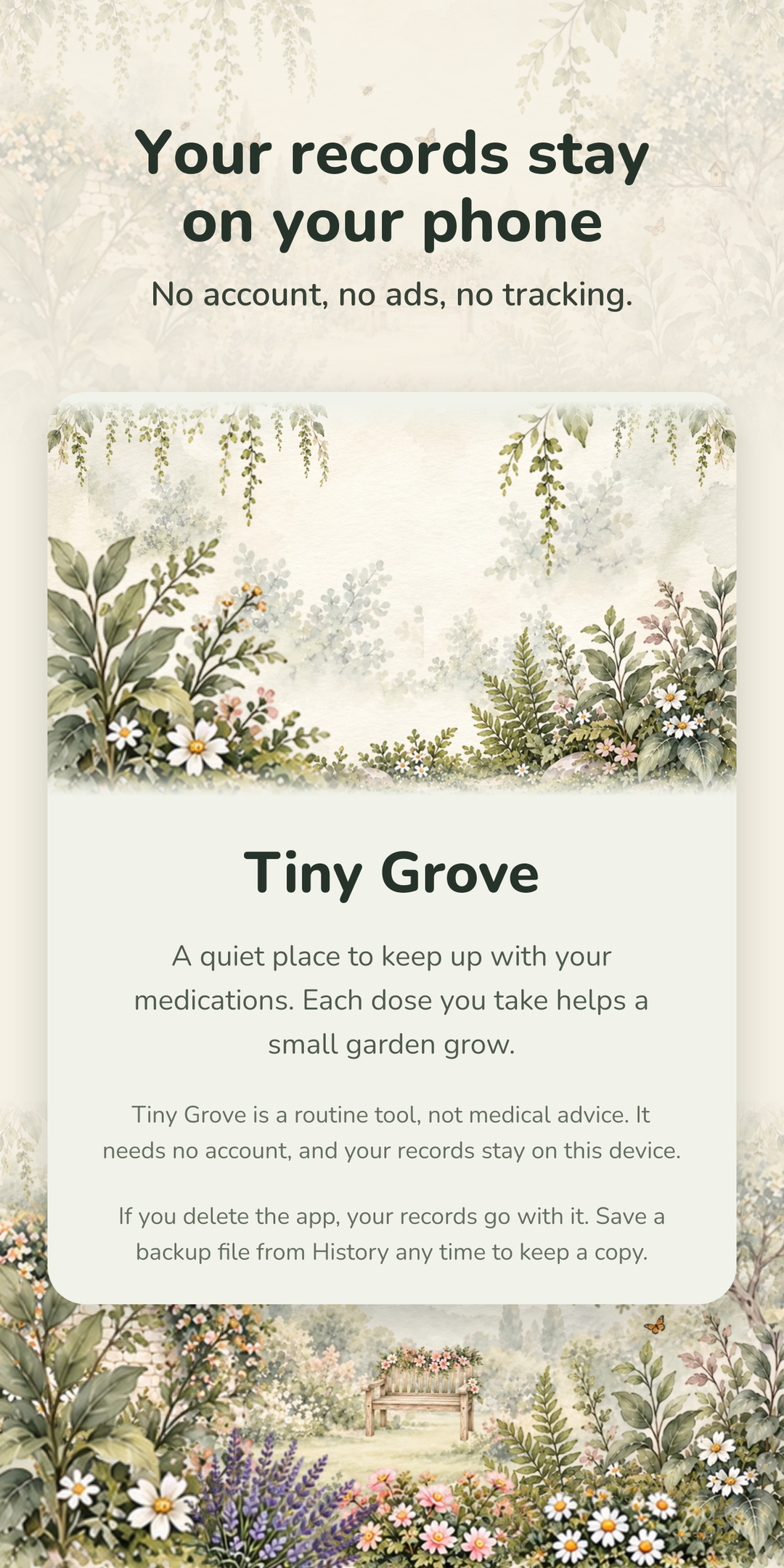
It is also built with no server at all. There is no account, no sign-in, no ads, and no tracking. Every record stays on the phone. The only thing that can ever leave is a crash report, and only if the person turns that on.
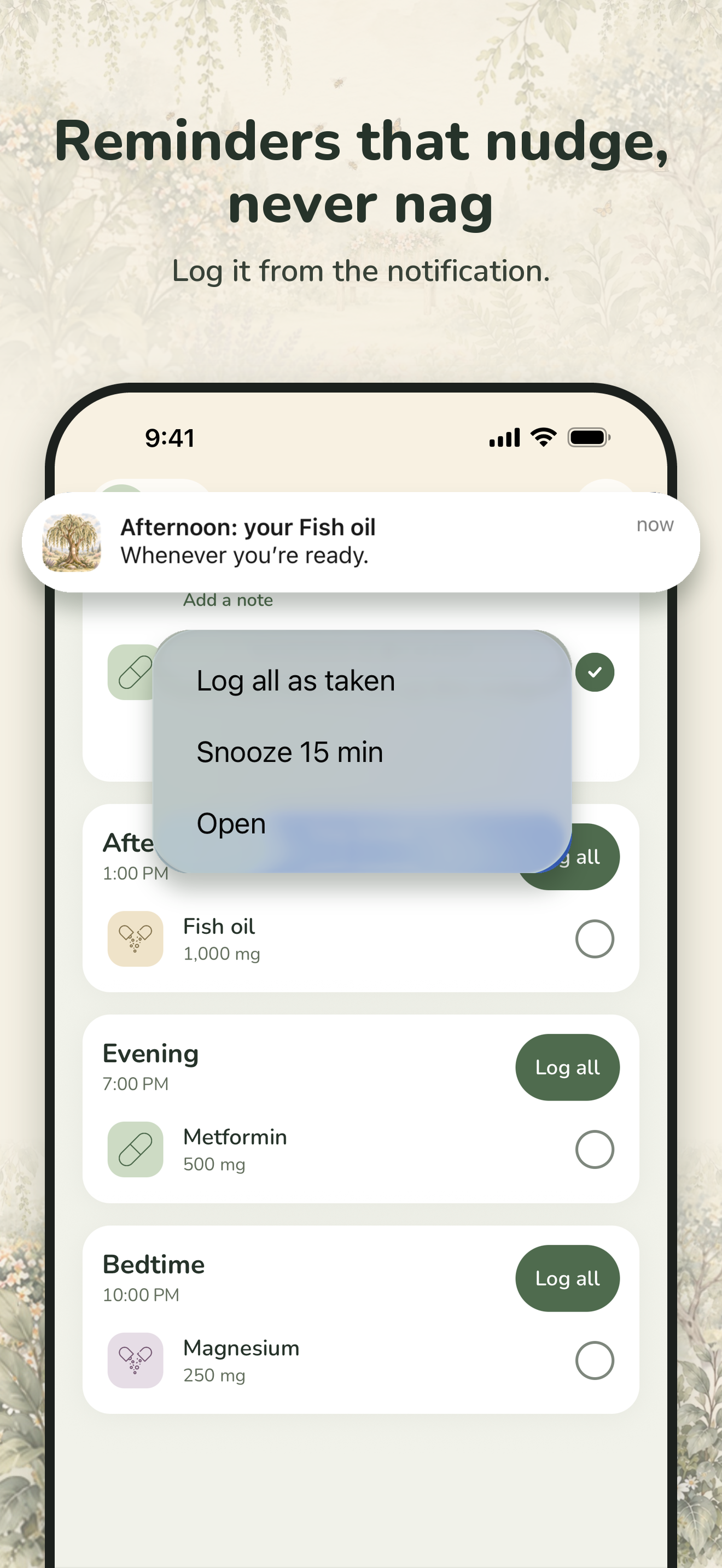
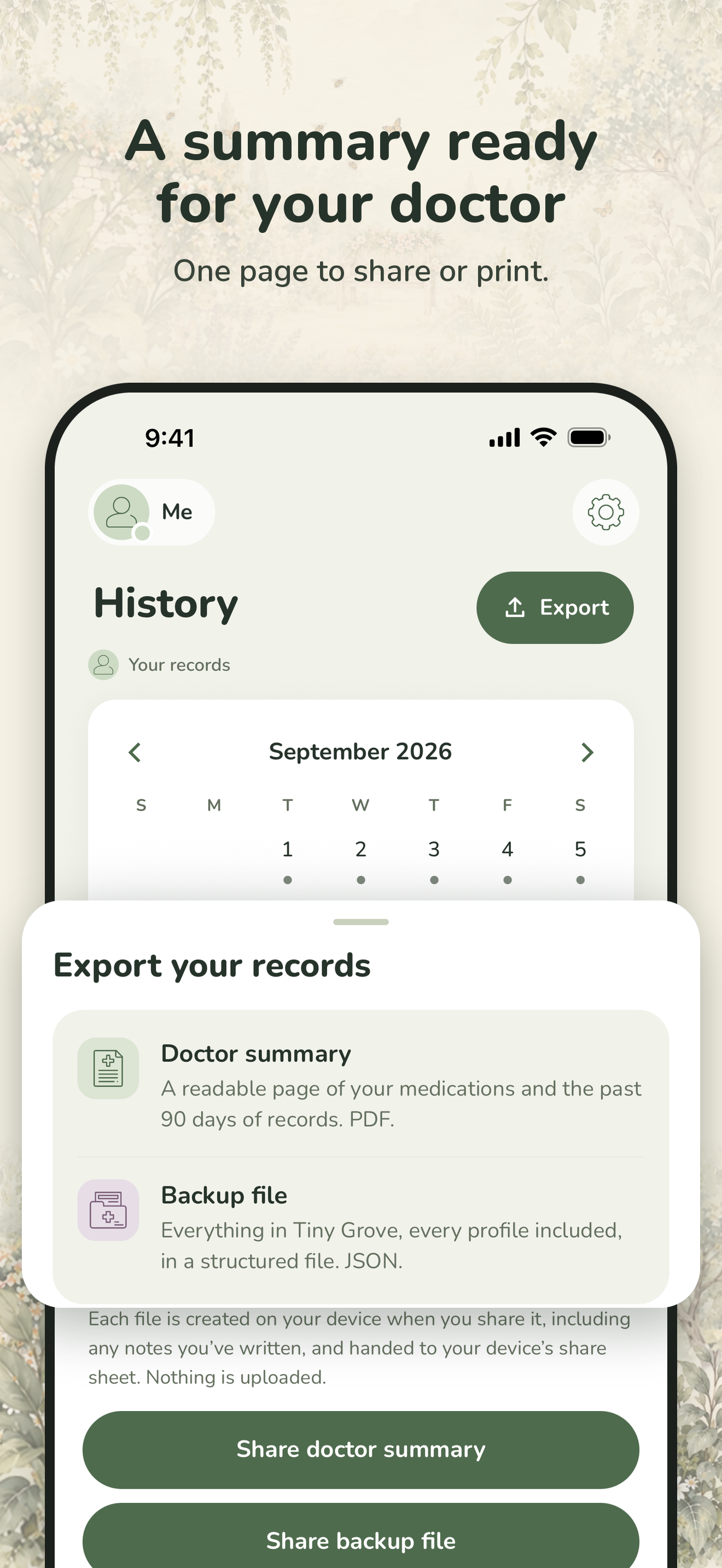
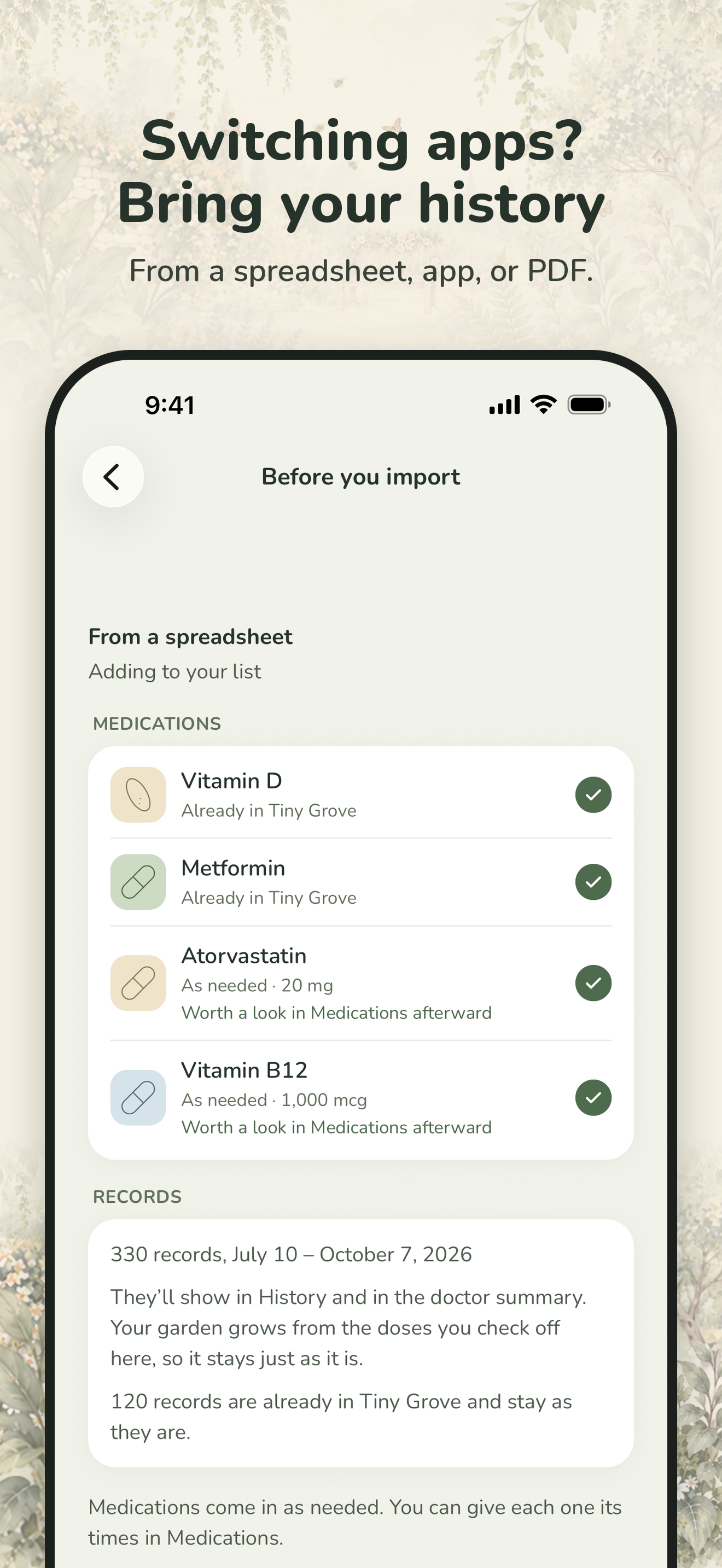
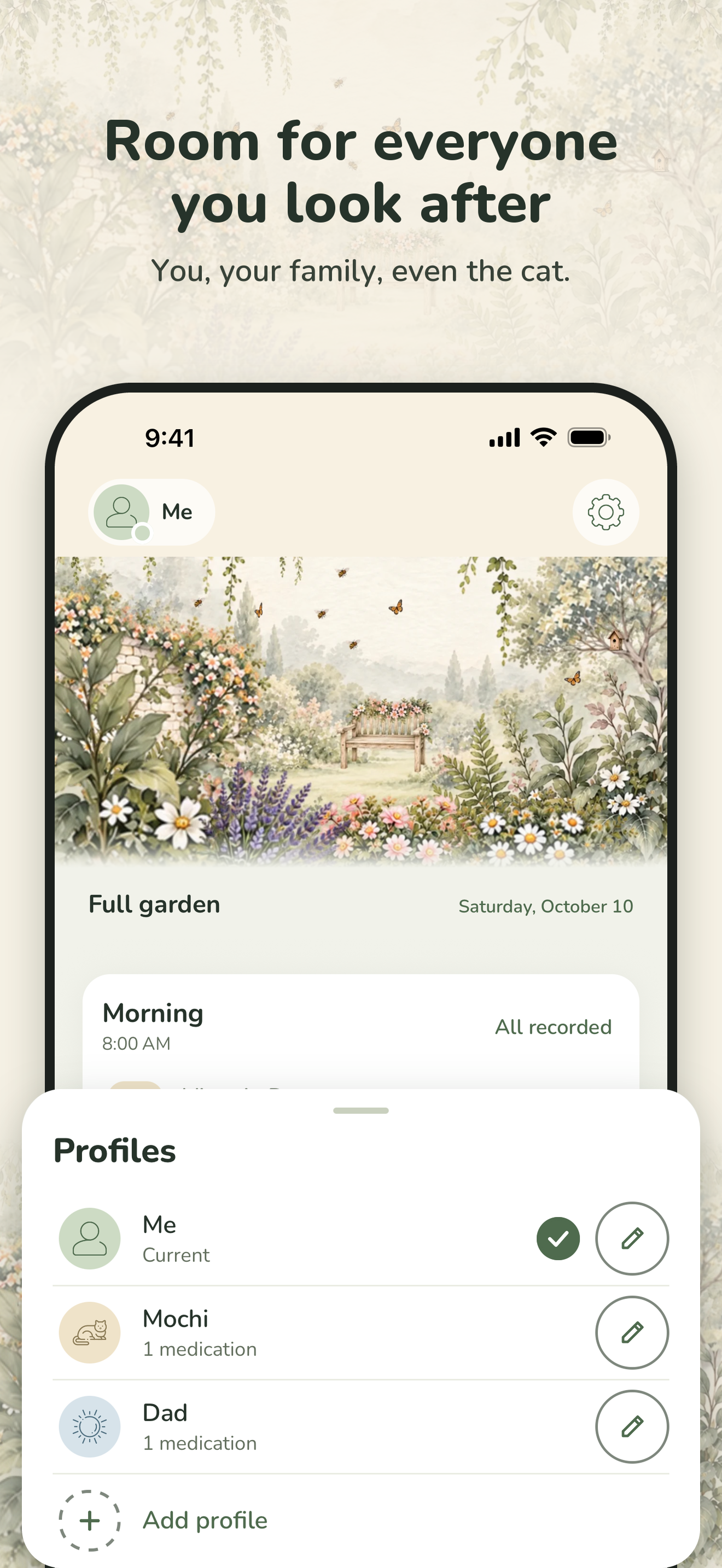
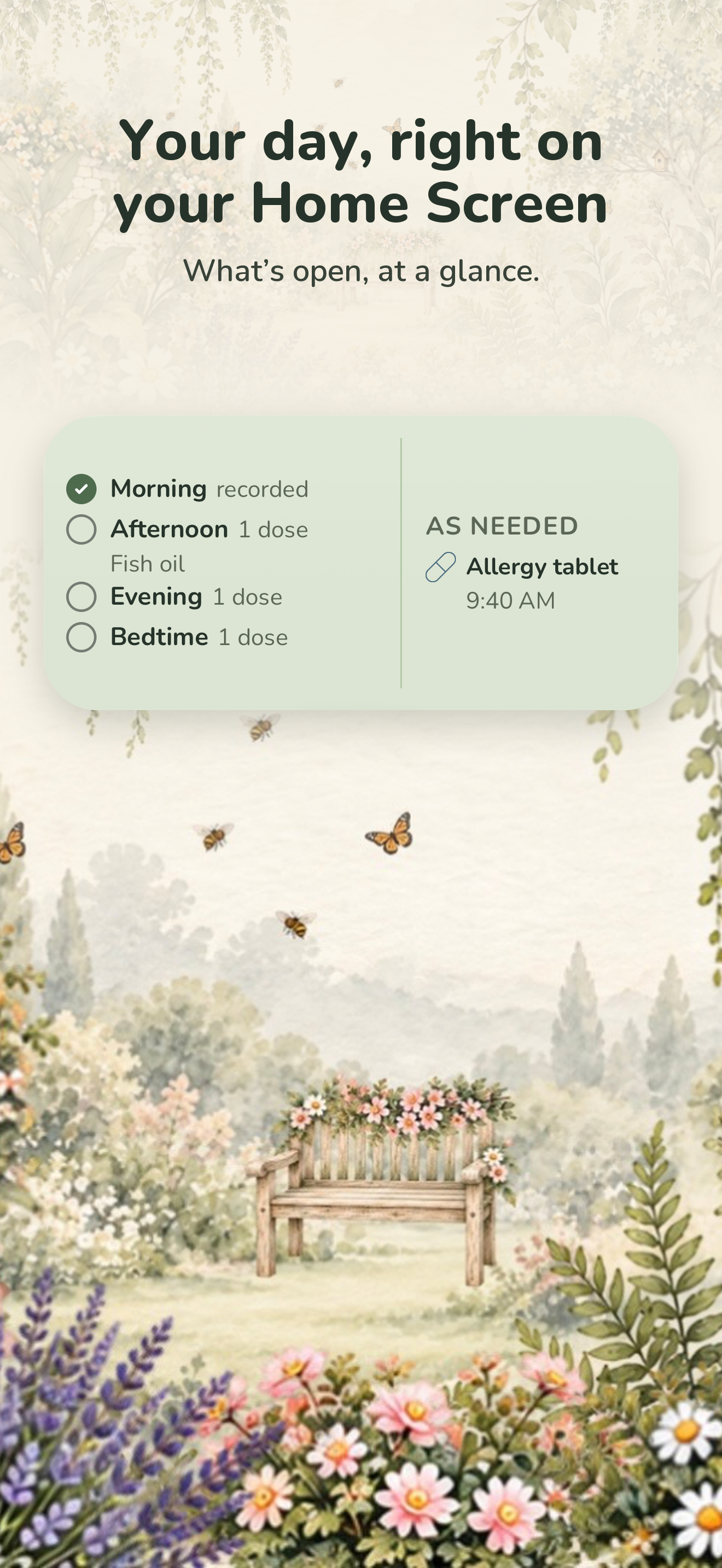
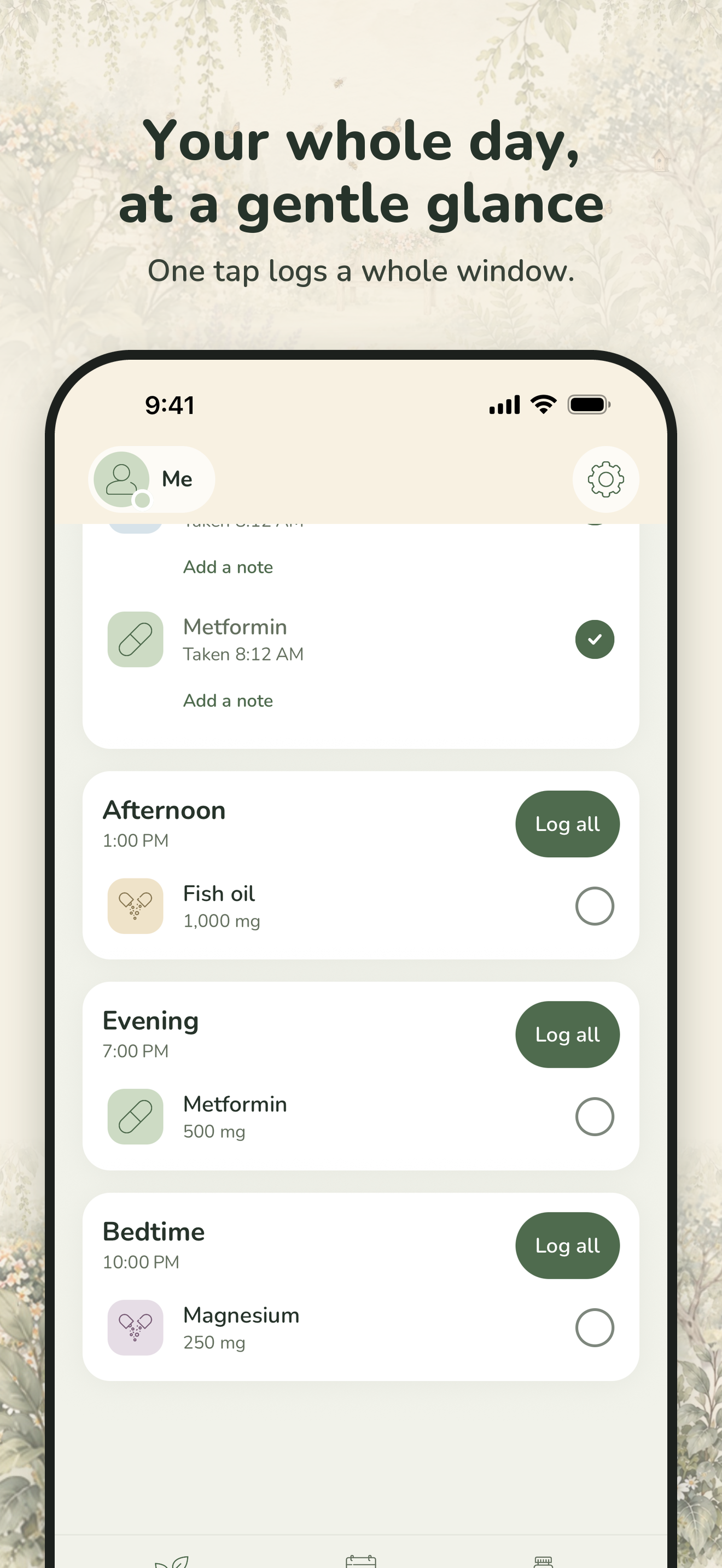
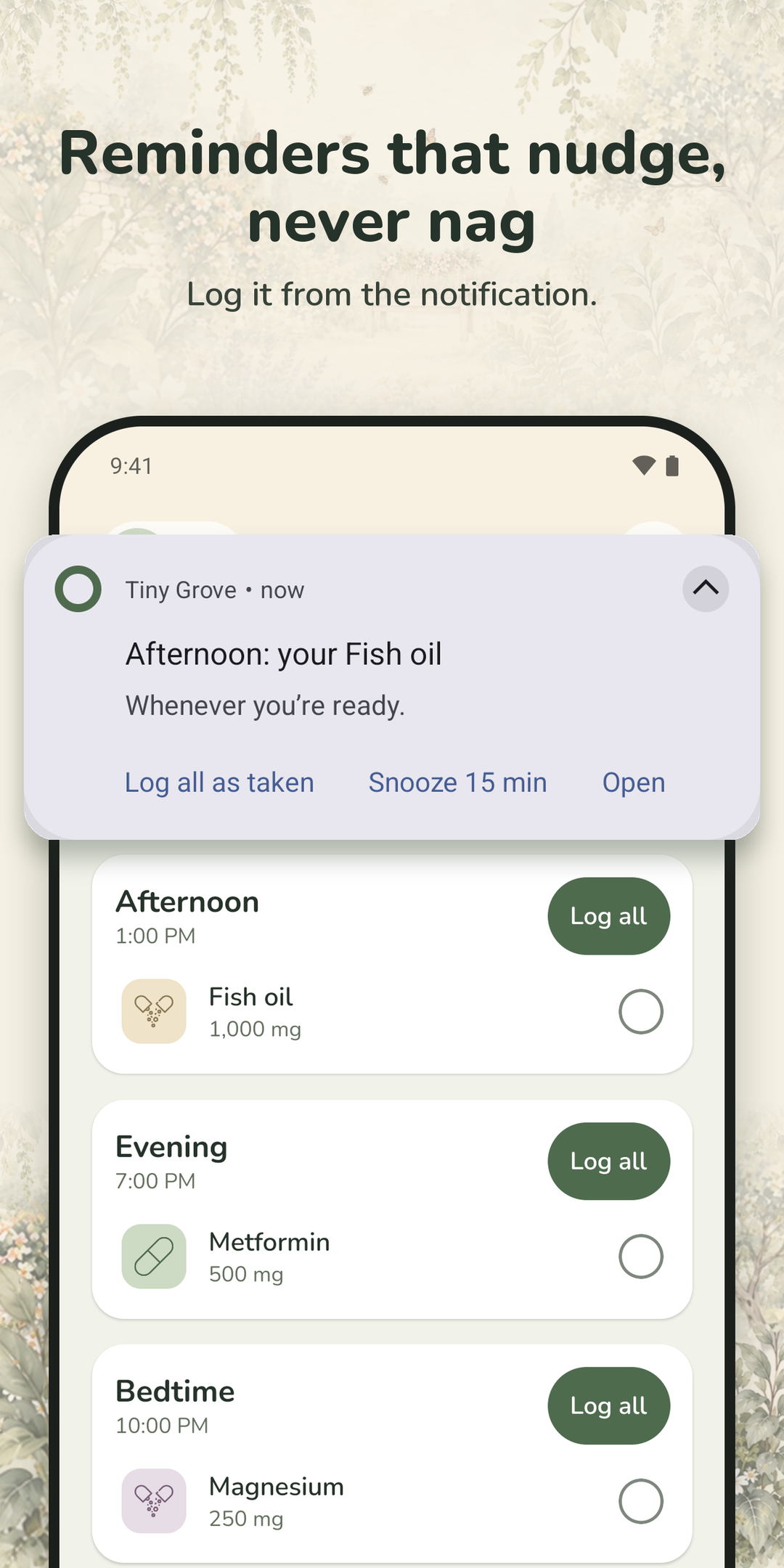
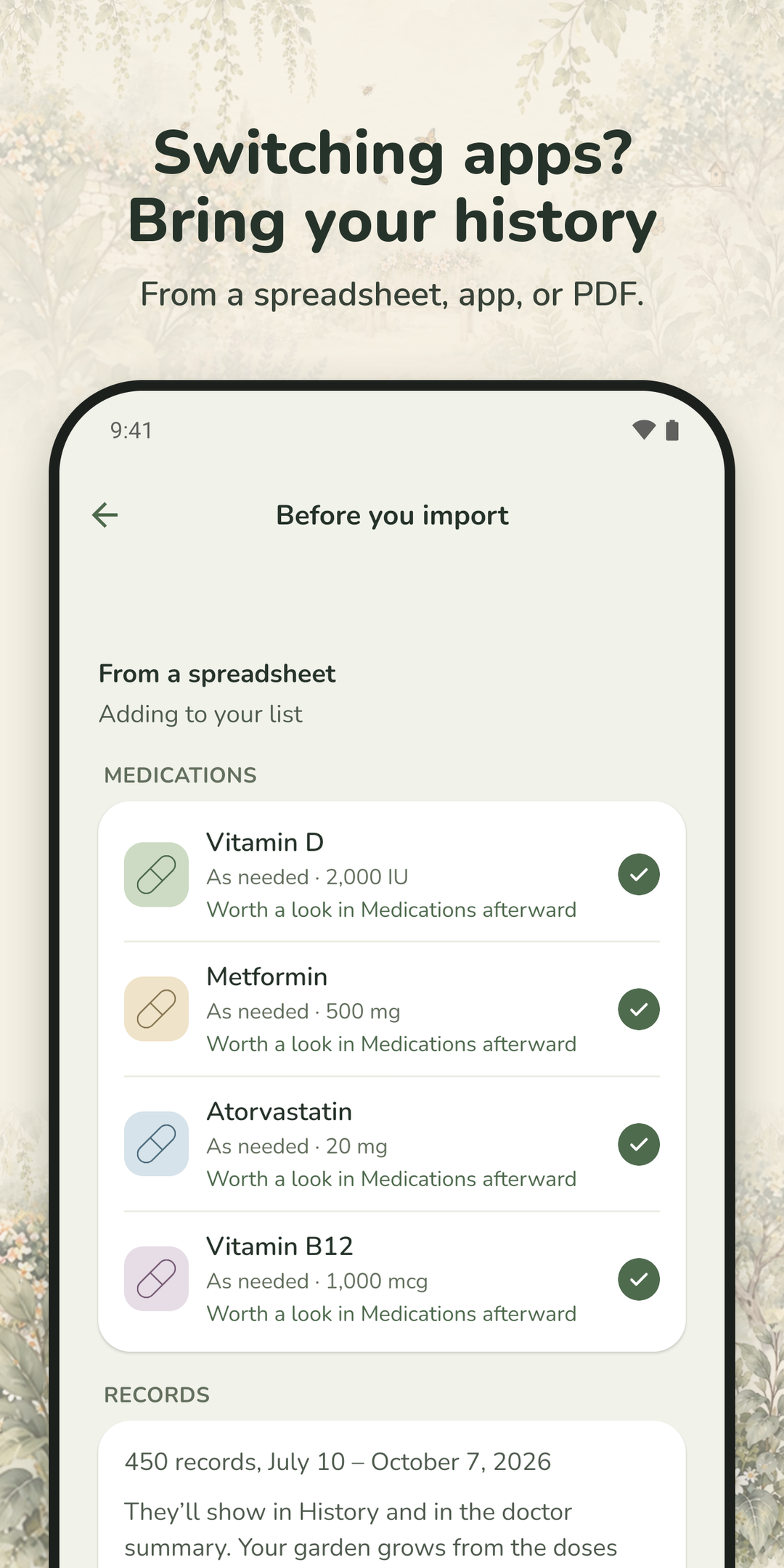
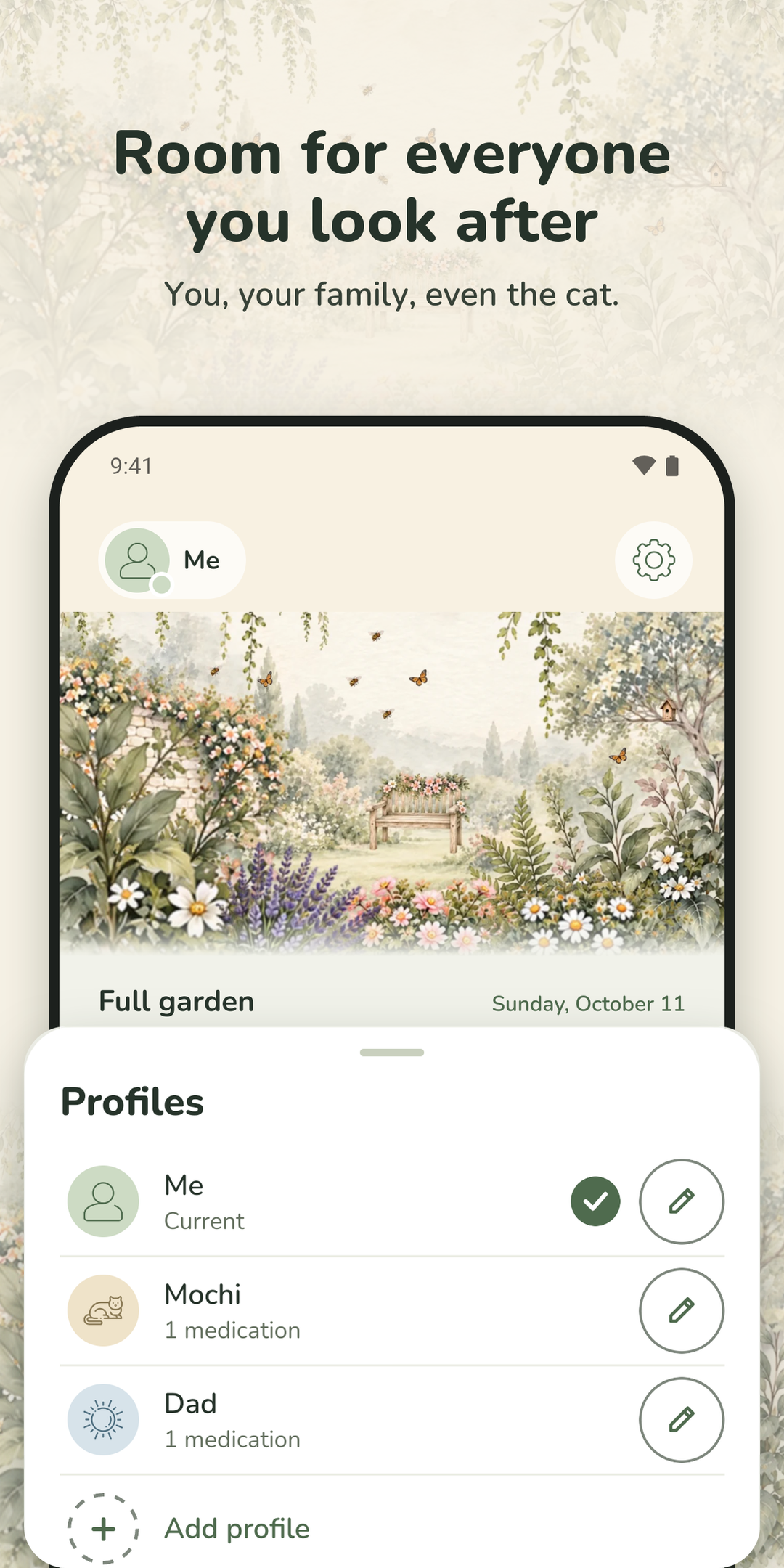
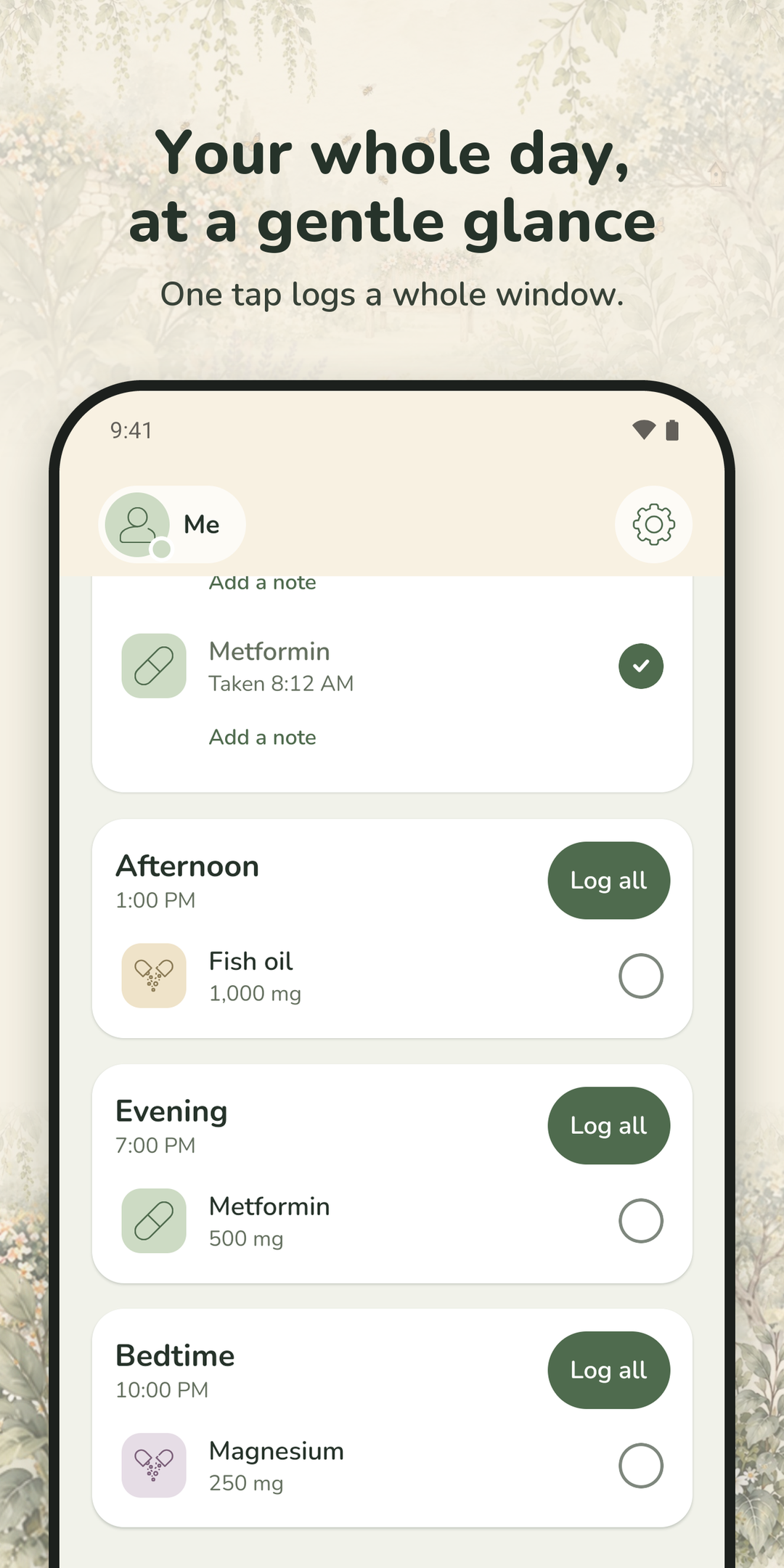
Reminders arrive once per time of day and can be logged or snoozed straight from the notification, with an option to hide medication names on the Lock Screen. Profiles let one person keep separate lists for themselves, a family member they care for, or a pet. A doctor summary exports as a PDF, a backup restores on a new phone, and history can be brought over from another app’s export or a spreadsheet.
Tiny Grove is free for one profile and up to six medications. One purchase unlocks everything, for good. It is not a medical device and gives no medical advice; it reminds people of a schedule they set themselves.
I built Tiny Grove after I started taking medication for a panic disorder. Every medication app I tried added to my anxiety around taking my medication instead of easing it, and I wanted a better option, so I created it.
I also spent years in health care, as an EMT, a CNA, and a nurse, and that shaped the app as much as my own experience did. I built in the features I’d want as someone who takes medication, and the ones I’d want as a caregiver: separate profiles for a parent, a child, or a pet, a summary to hand to a doctor, and reminders that can stay private on a Lock Screen.
Tiny Grove has no server, because I wanted people to feel safe using it. So many apps collect people’s information and profit from it, and I didn’t want anything like that in mine. That choice has a cost. There are no accounts, so there’s no syncing between devices and nothing stored online to restore from; instead, there’s a backup file you keep yourself. I think the trade is worth it. Your medication history belongs to you, and the simplest way to keep it that way is for it never to leave your phone.
Getting the details right mattered to me more than anything else, because a medication app should never be the reason someone takes a dose twice or skips one by mistake. One night I took my bedtime dose and logged it at 12:15 AM. The app’s day had already turned over at midnight, so it recorded the dose against the next day. That night’s dose looked untaken, and the next night’s already looked done: exactly the kind of mix-up I’d been building against. So now if you log a bedtime dose just after midnight, it asks which night it was for, the day prior or today, and a dose logged on the wrong day can be moved in History. You can also choose when your day ends, so if you’re up late, “tonight” can last until 2 AM. That fix became one of 25 written safety guarantees in the app. Each one is backed by tests, and a script deliberately puts old bugs back into the code to prove those tests still catch them.
I found the art on Etsy, from an artist who goes by Bumblely. I first asked them to make artwork for my company’s website and business cards, and I loved it so much that I asked if they’d paint for the app too: the icon, the onboarding scenes, and the garden that grows with every dose. Luckily, they said yes.
Privacy
Your records stay on your phone; the only thing that can ever leave is a crash report, and only if you turn that on.
The App Store's accessibility labels, and what each one means here.
On Android: TalkBack, large font sizes, and Android's Remove animations setting. Every touch target is at least 48 points.
Each one downloads at full size, or get them all in the press kit zip (45 MB).
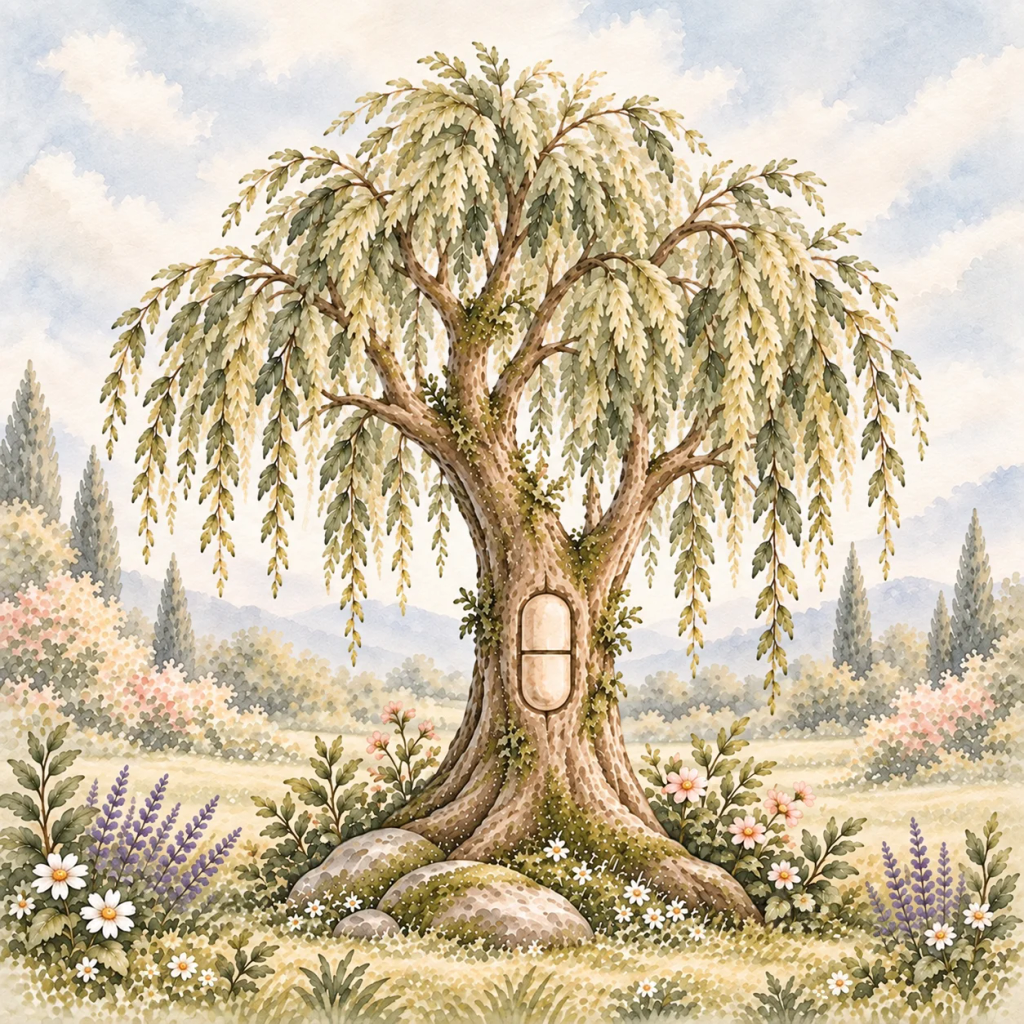
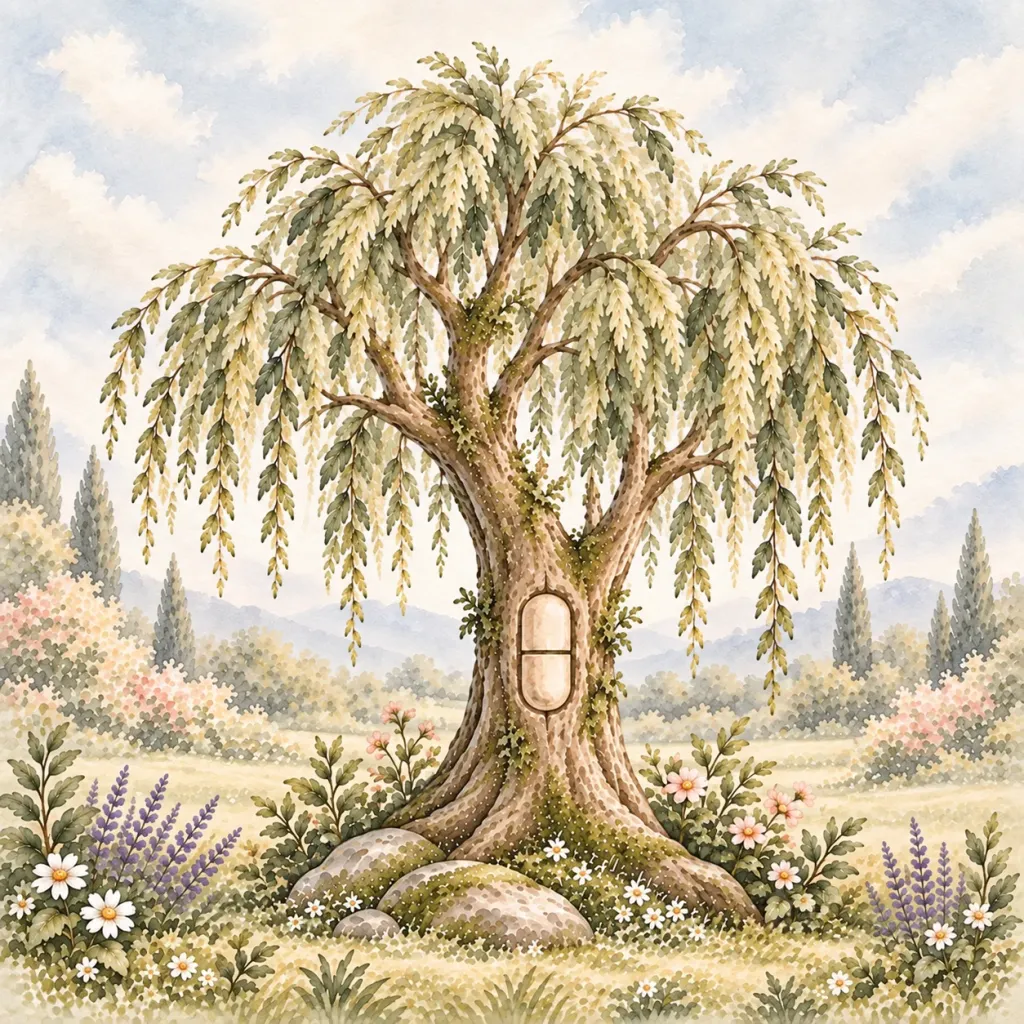
App icon
PNG, 1024 × 1024, 2.4 MB
Download App icon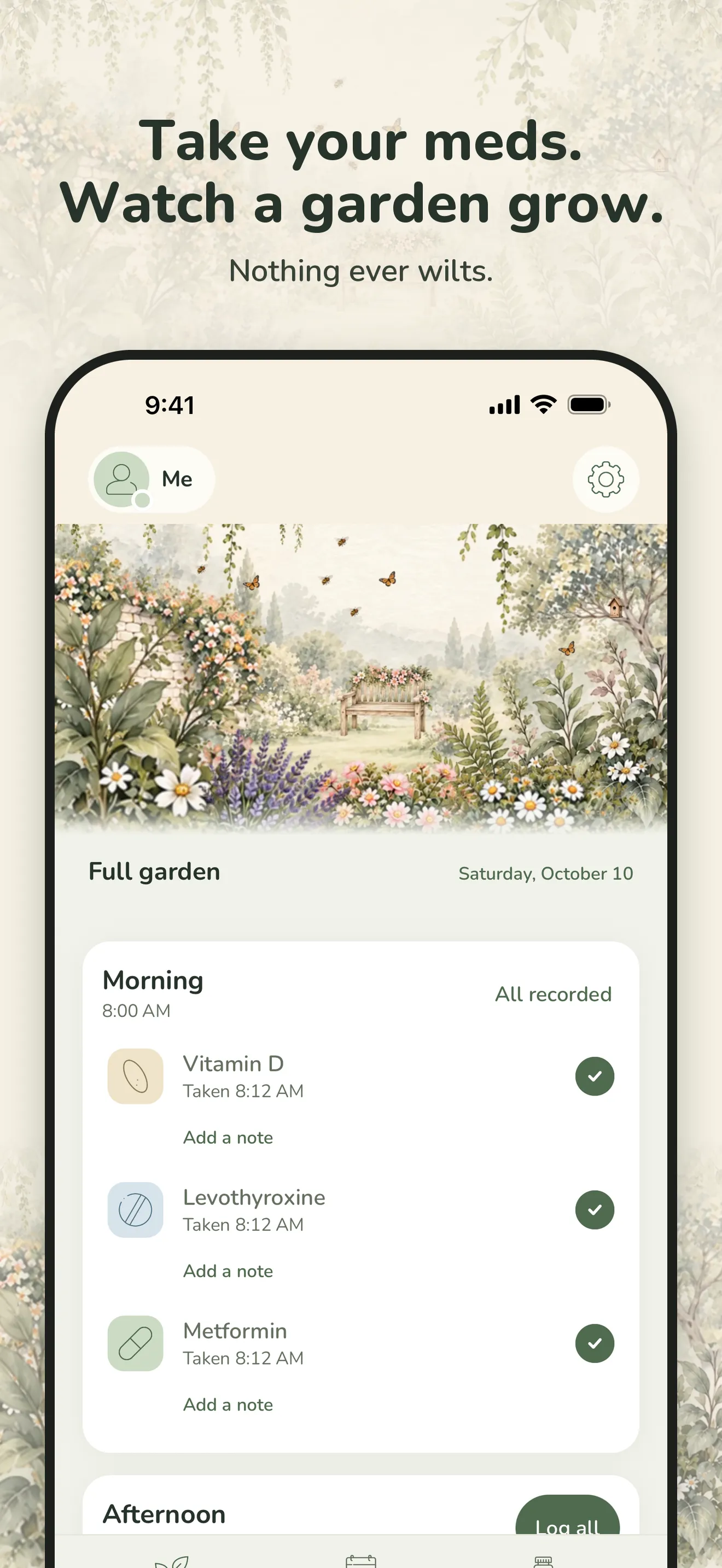
iPhone 1
PNG, 1320 × 2868, 2.2 MB
Download iPhone 1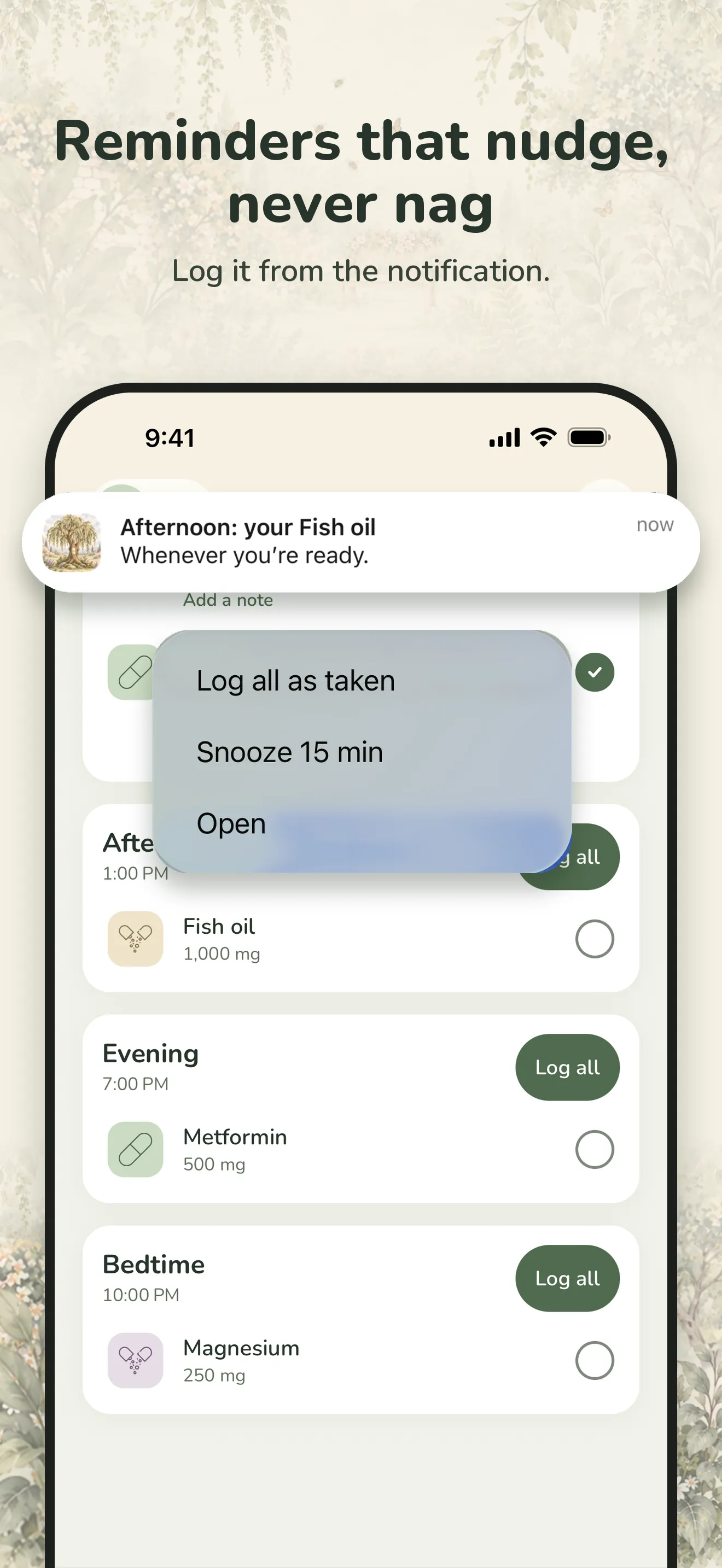
iPhone 2
PNG, 1320 × 2868, 1.4 MB
Download iPhone 2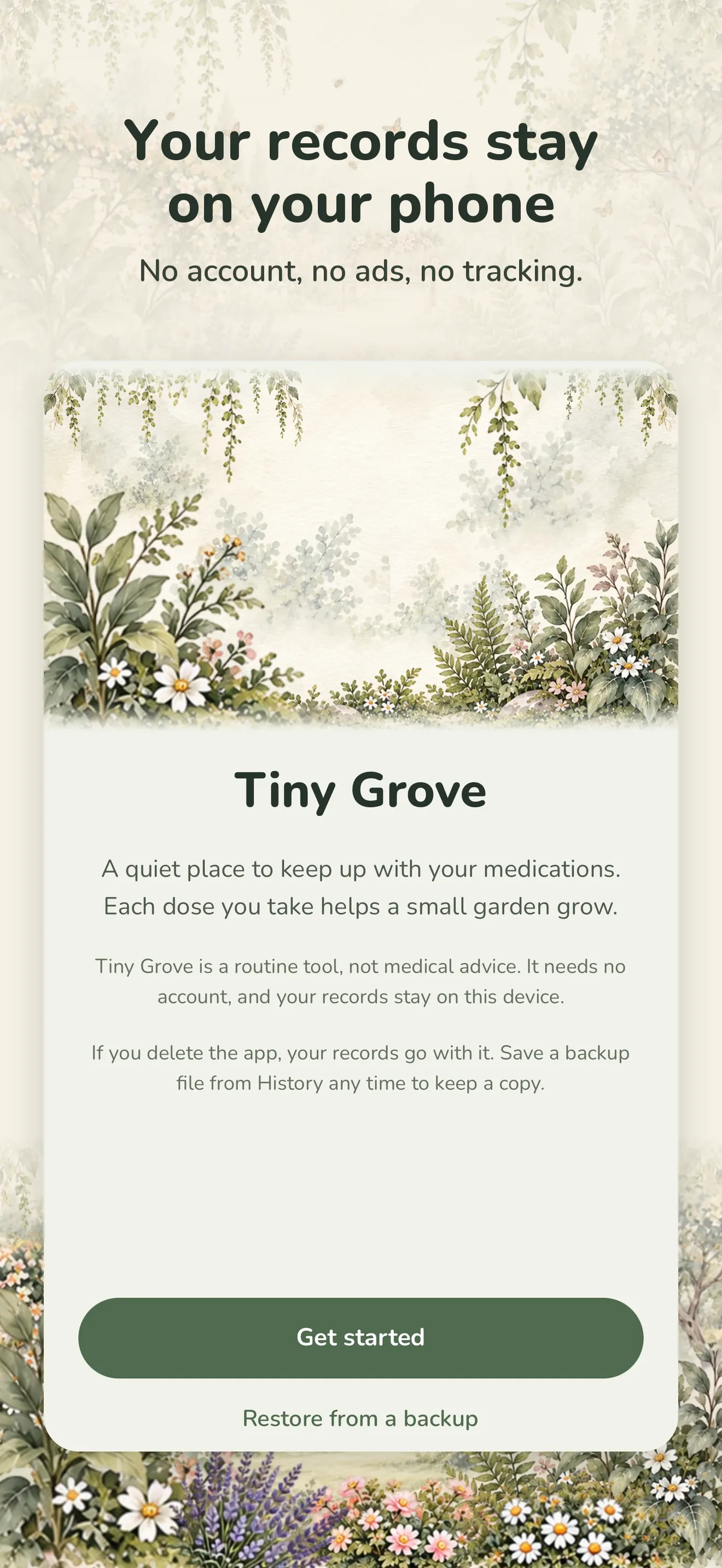
iPhone 3
PNG, 1320 × 2868, 2.7 MB
Download iPhone 3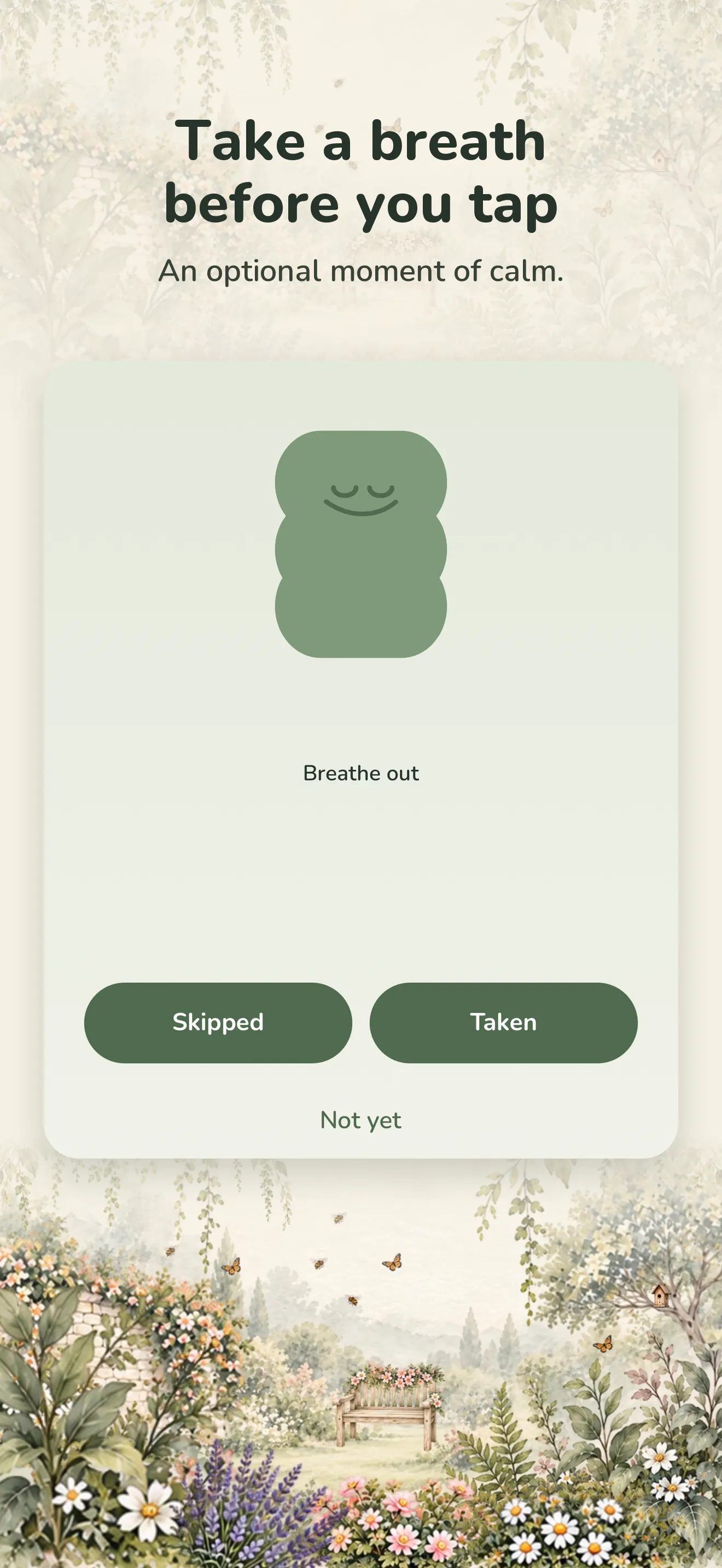
iPhone 4
PNG, 1320 × 2868, 2.4 MB
Download iPhone 4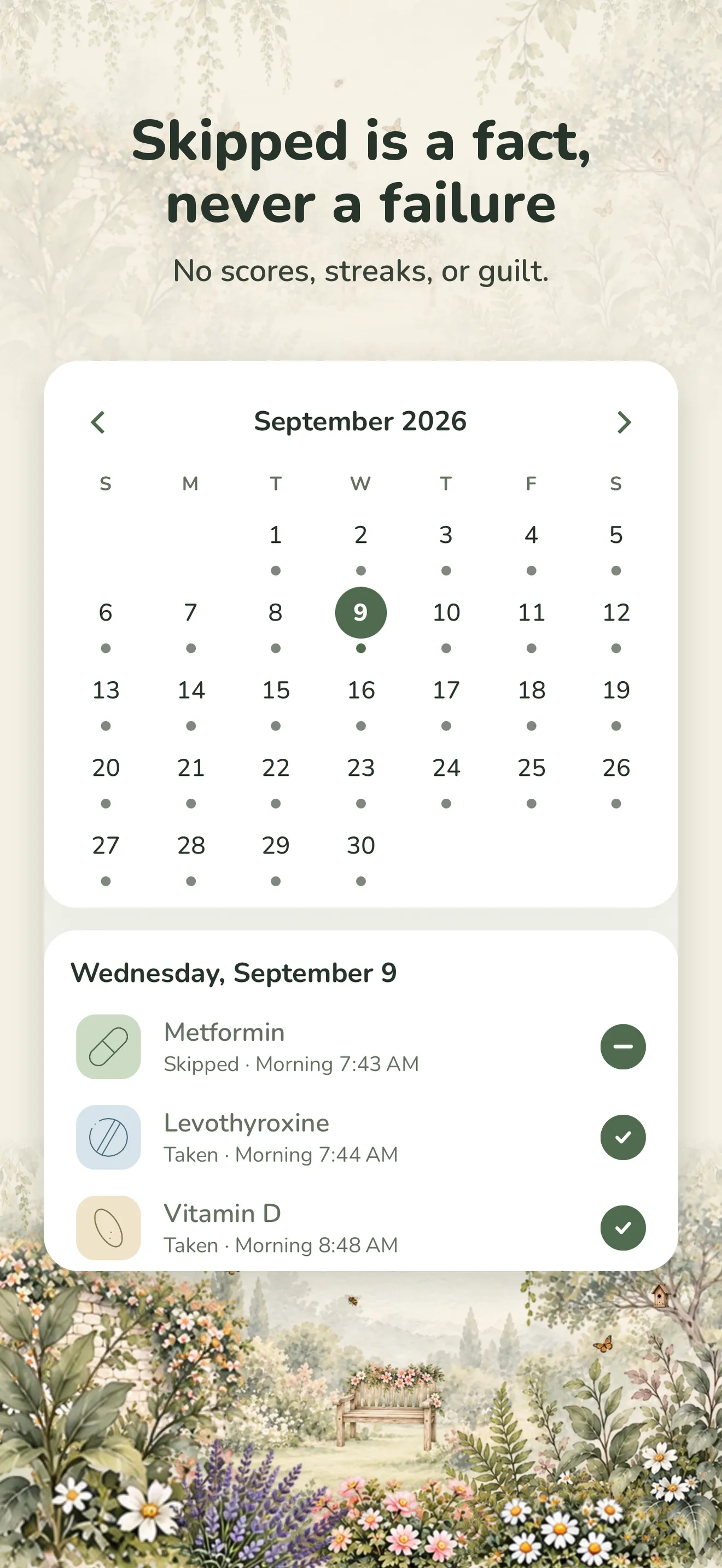
iPhone 5
PNG, 1320 × 2868, 2.3 MB
Download iPhone 5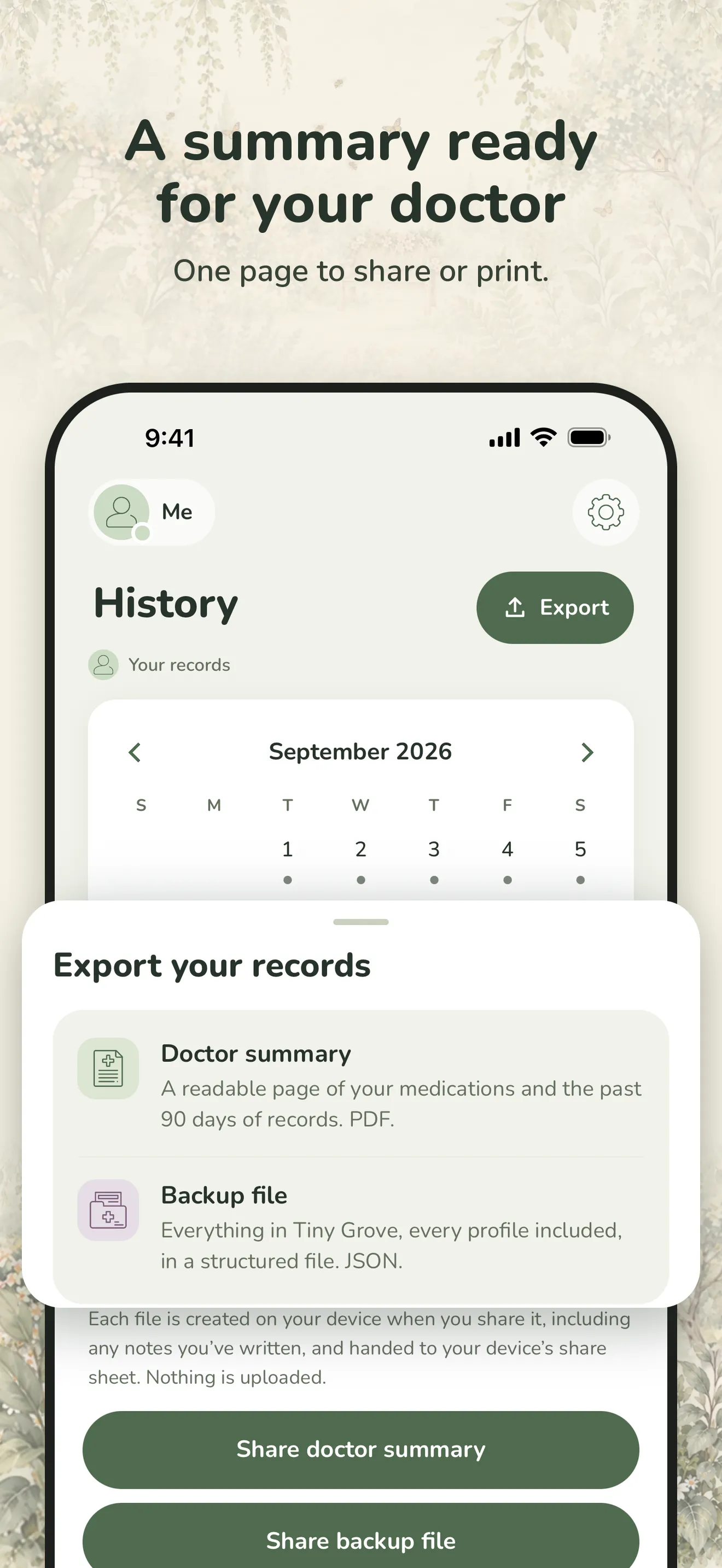
iPhone 6
PNG, 1320 × 2868, 1.3 MB
Download iPhone 6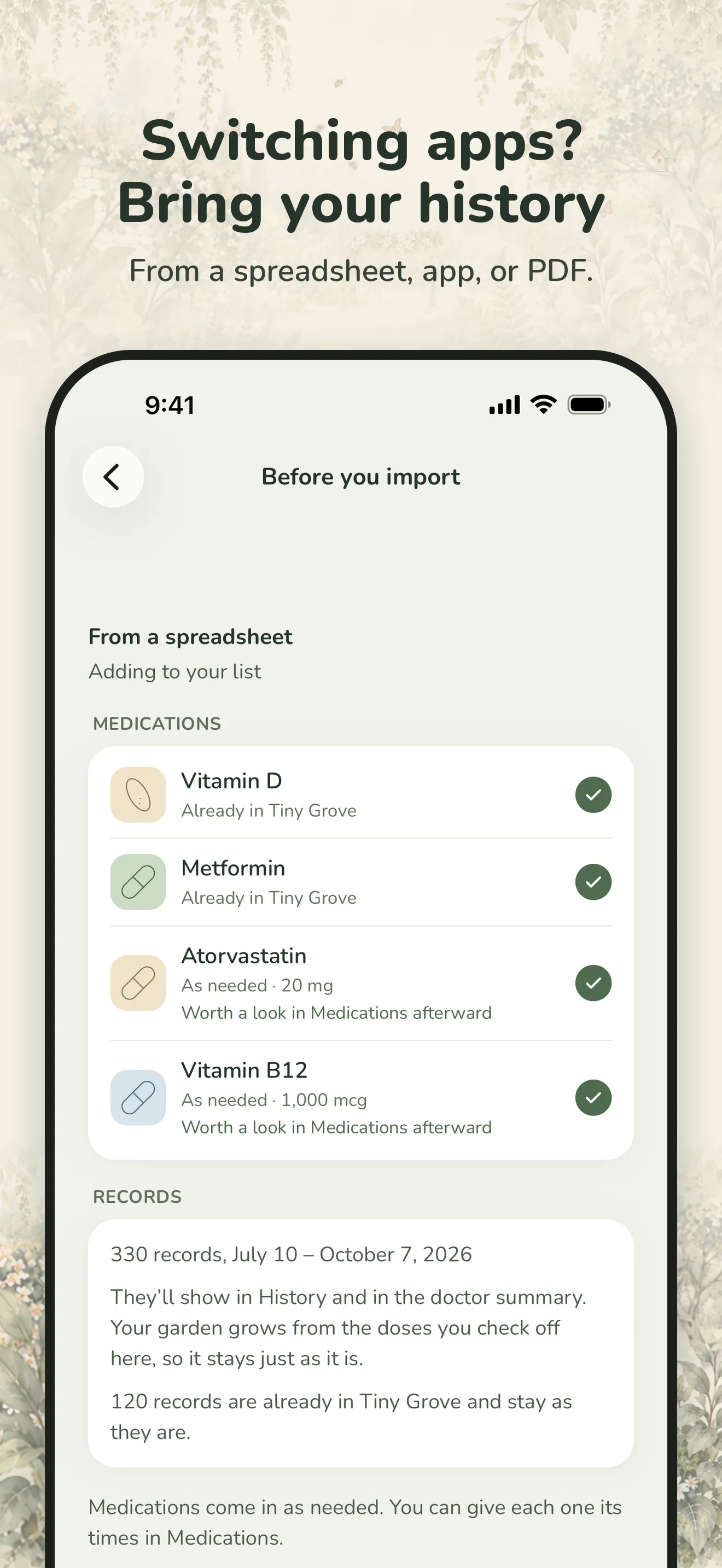
iPhone 7
PNG, 1320 × 2868, 1.4 MB
Download iPhone 7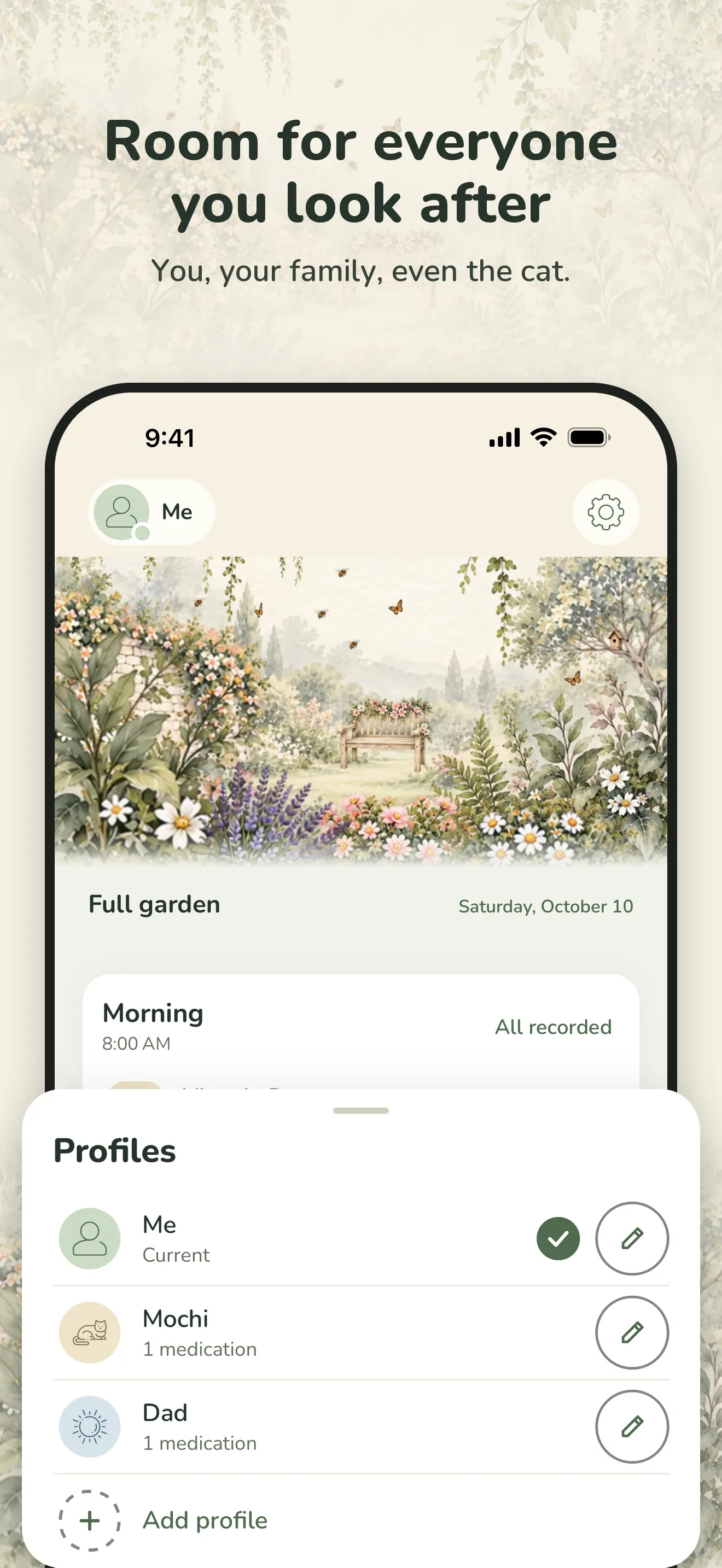
iPhone 8
PNG, 1320 × 2868, 2.1 MB
Download iPhone 8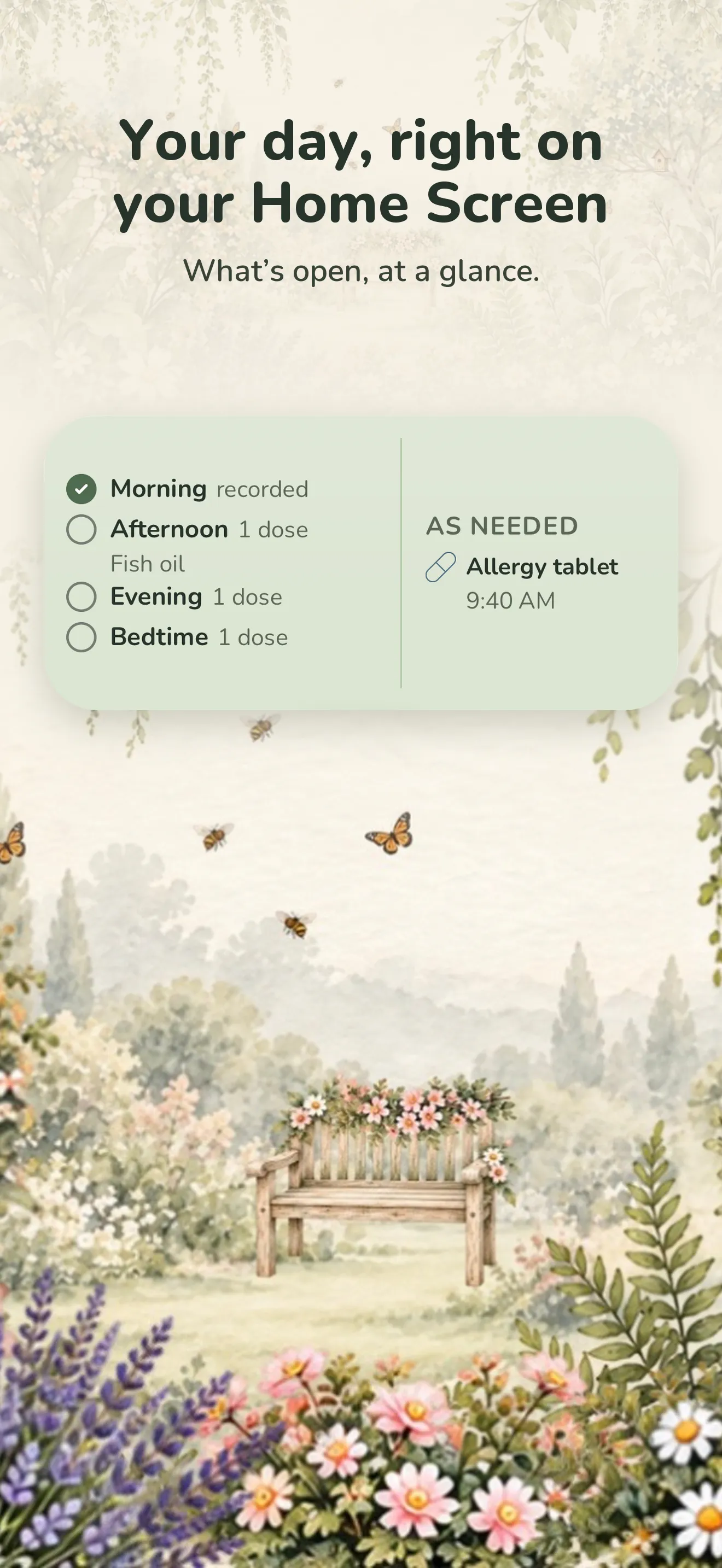
iPhone 9
PNG, 1320 × 2868, 2.9 MB
Download iPhone 9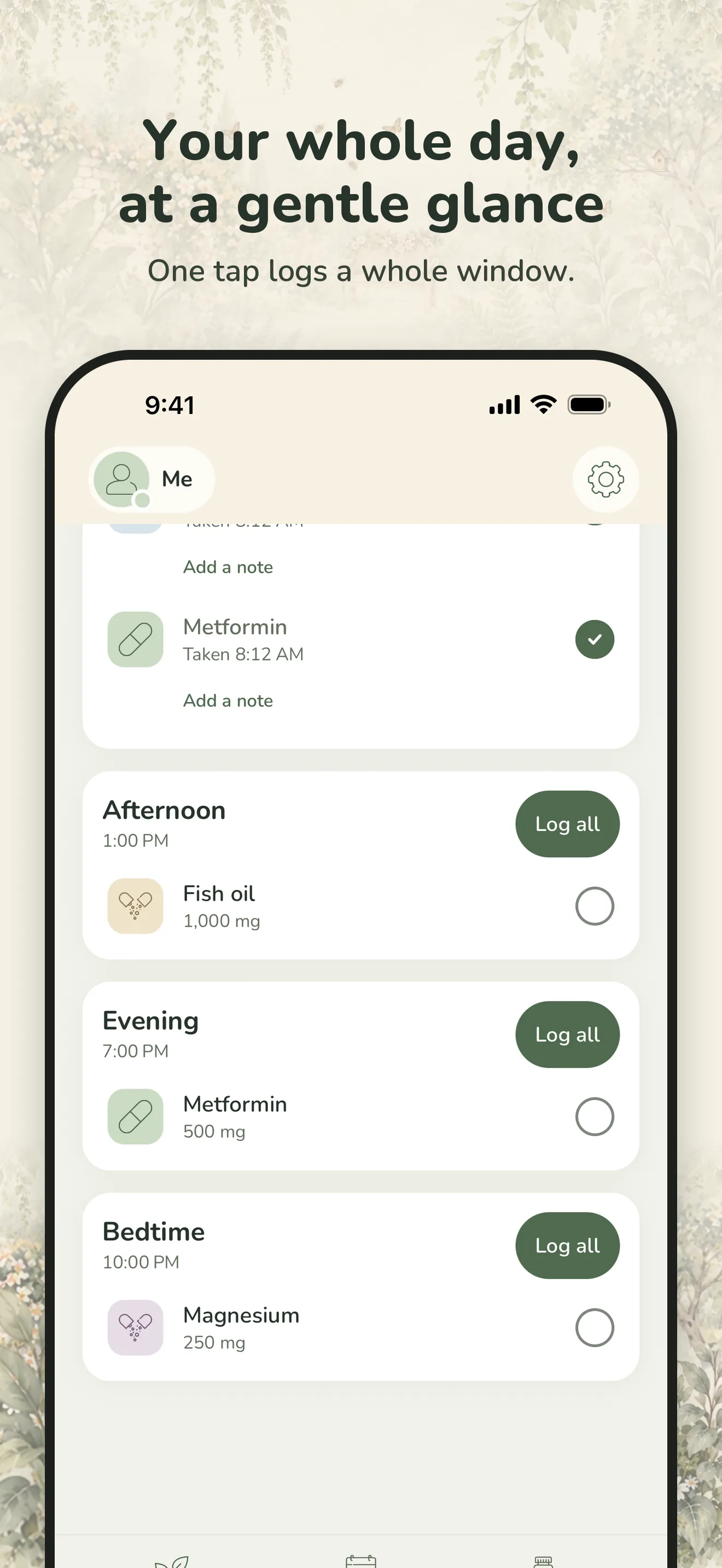
iPhone 10
PNG, 1320 × 2868, 1.3 MB
Download iPhone 10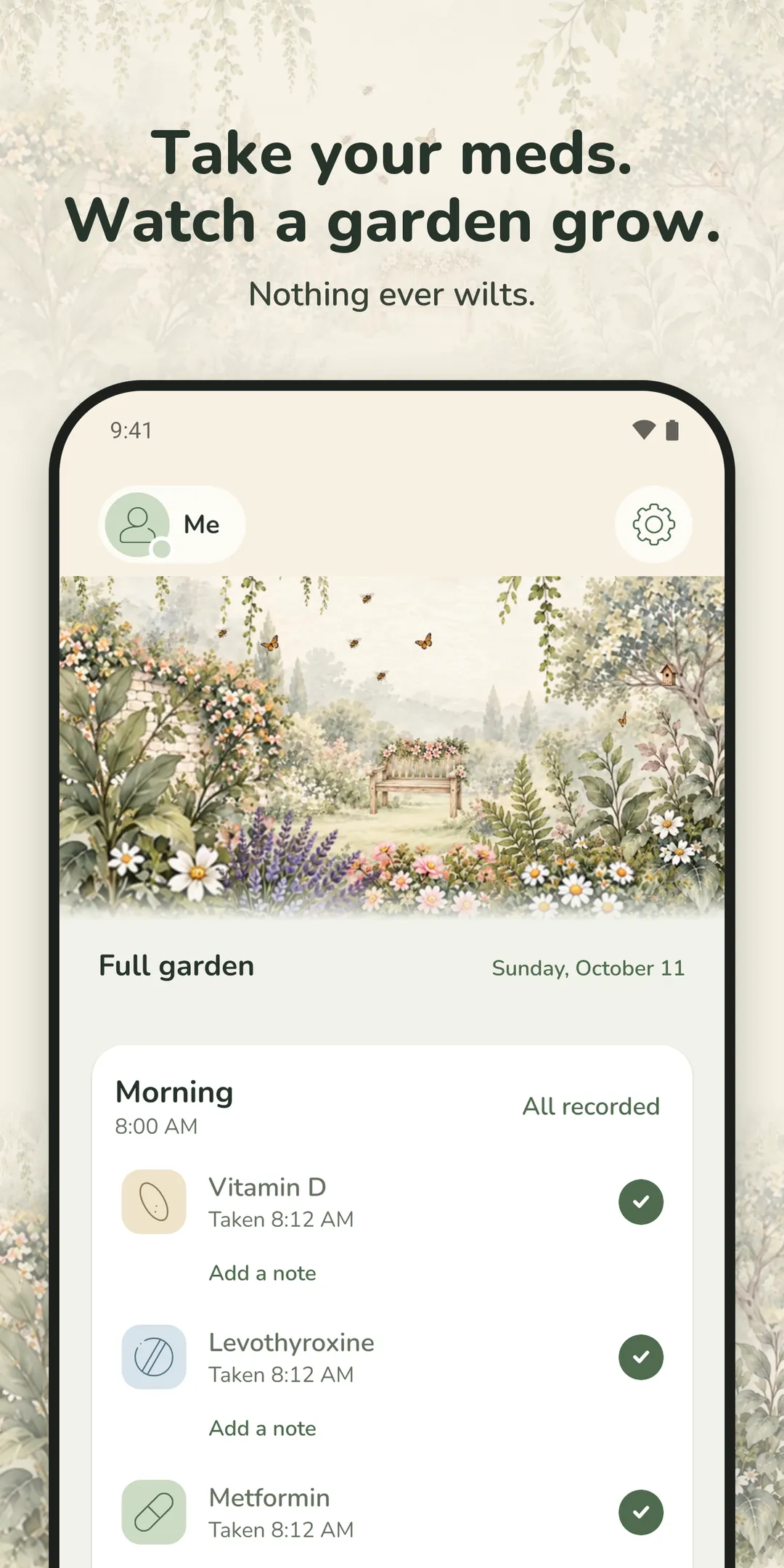
Android 1
PNG, 1080 × 2160, 1.6 MB
Download Android 1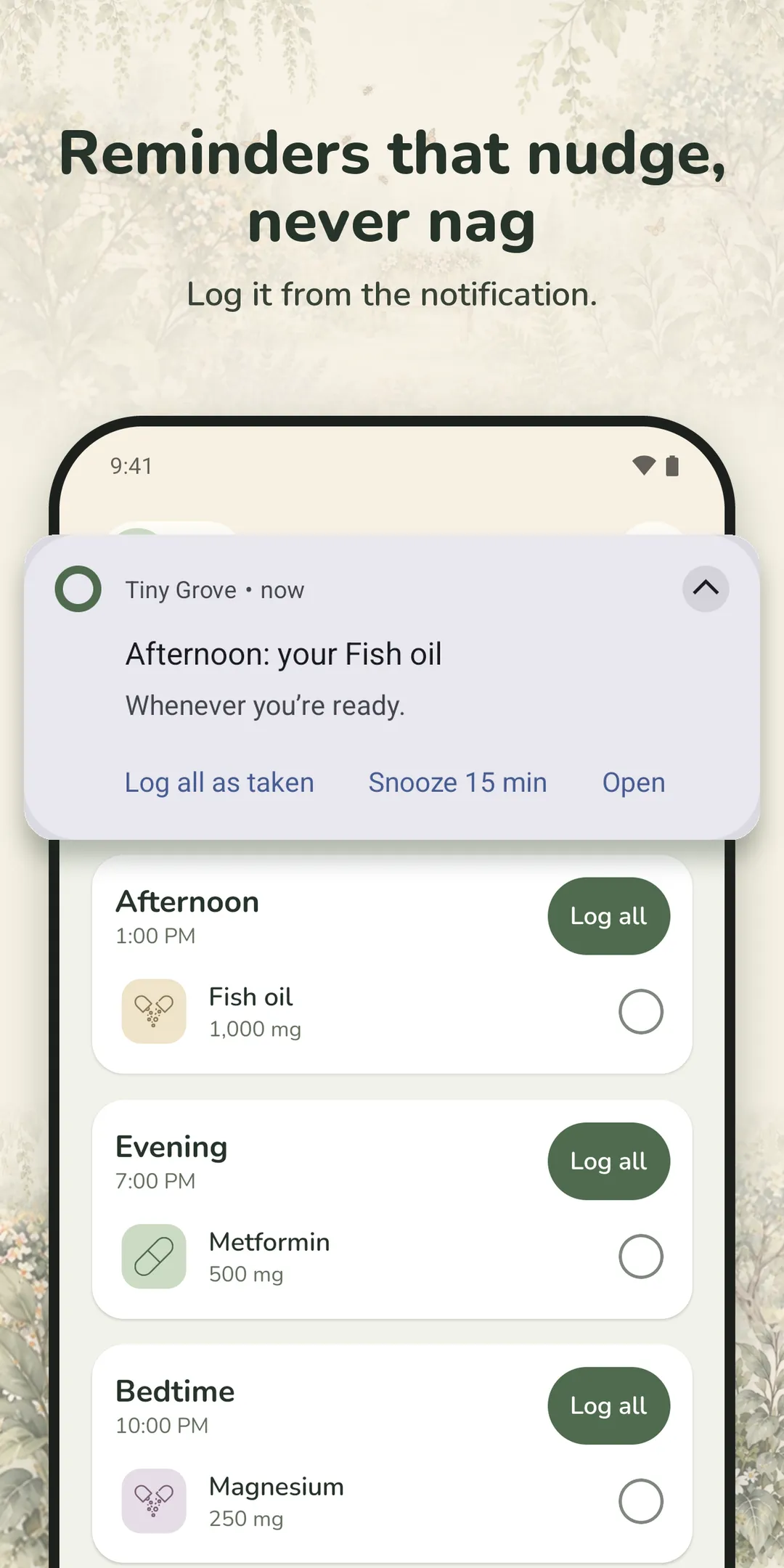
Android 2
PNG, 1080 × 2160, 1.0 MB
Download Android 2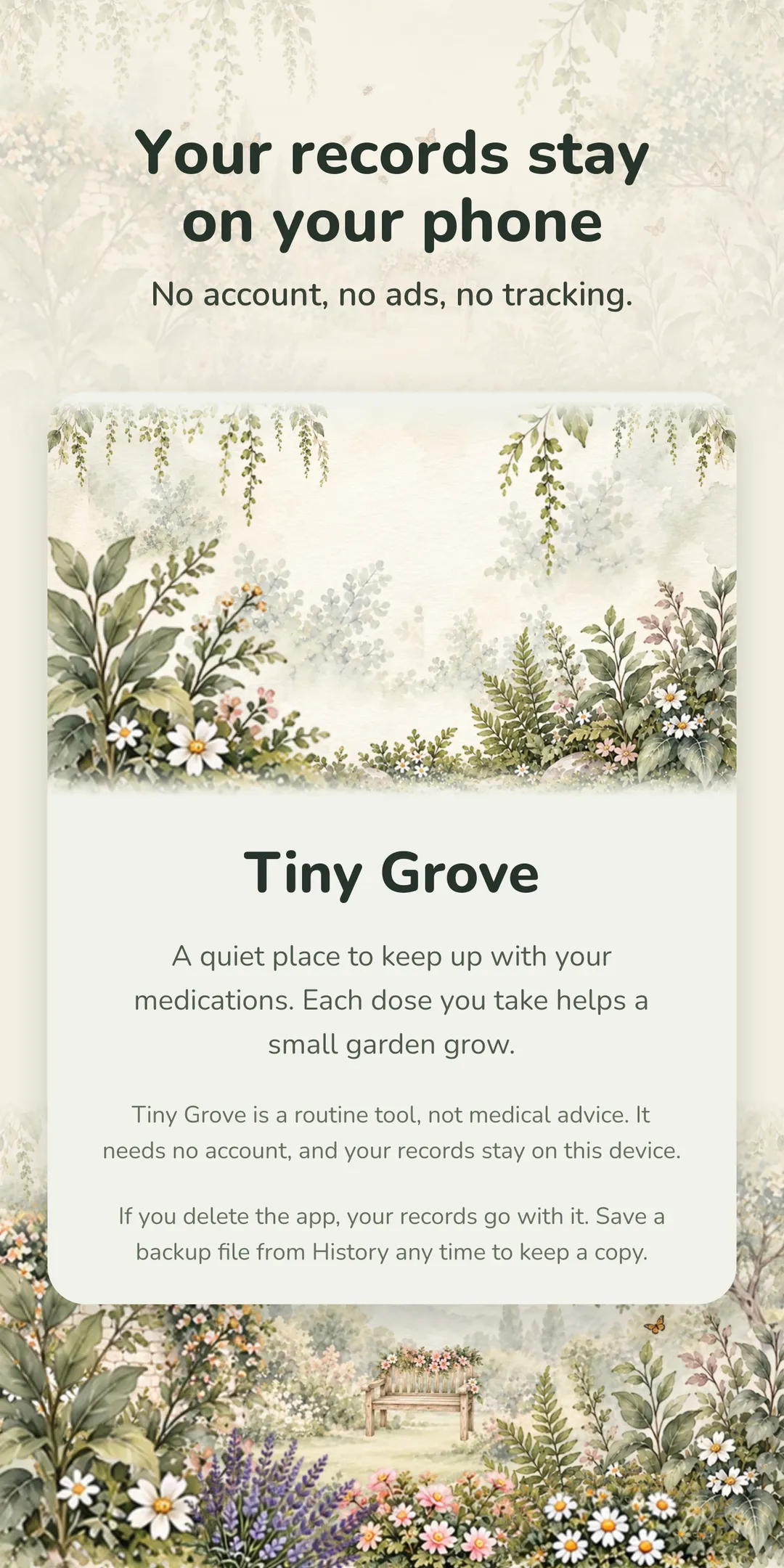
Android 3
PNG, 1080 × 2160, 2.4 MB
Download Android 3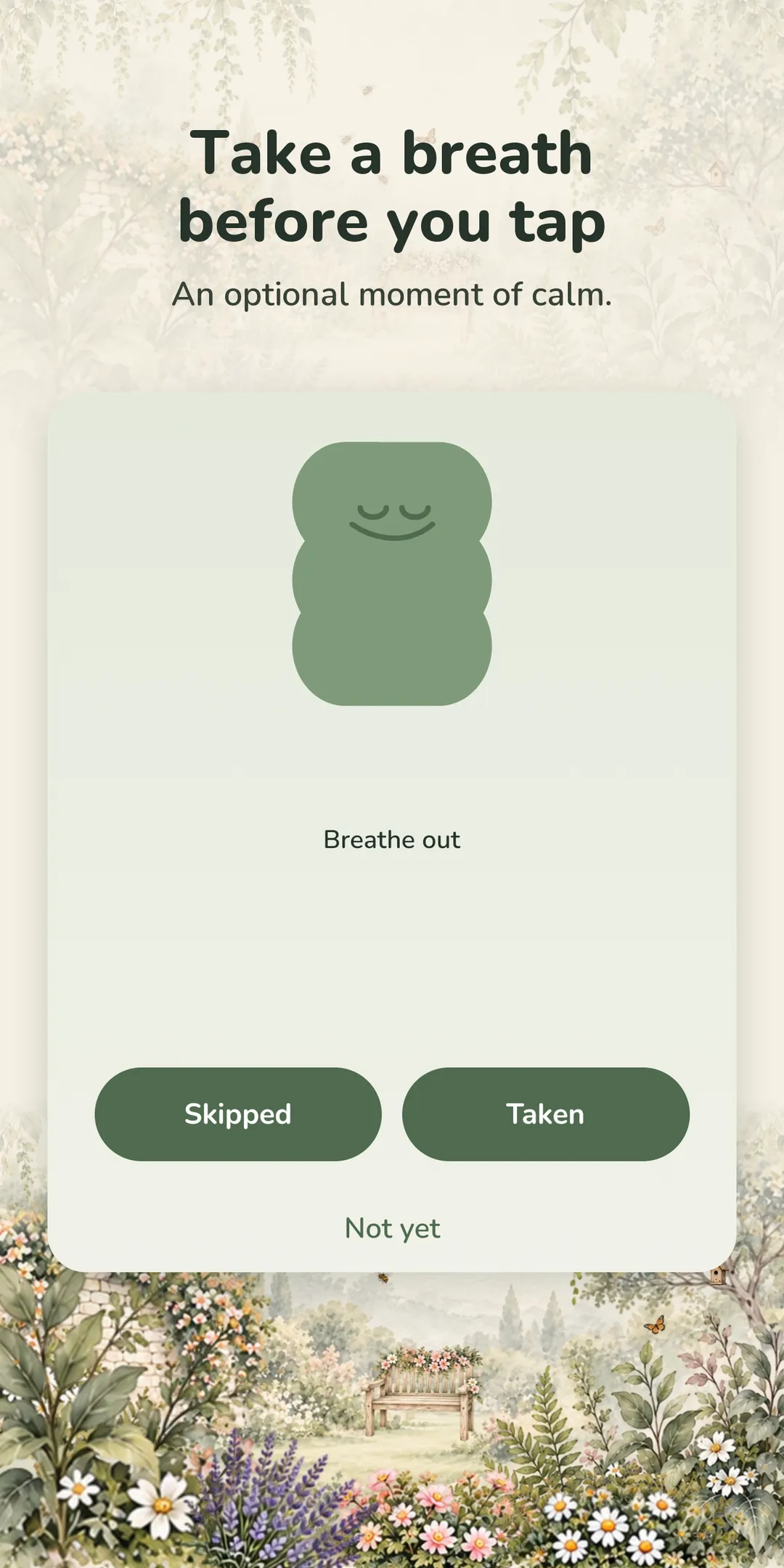
Android 4
PNG, 1080 × 2160, 1.6 MB
Download Android 4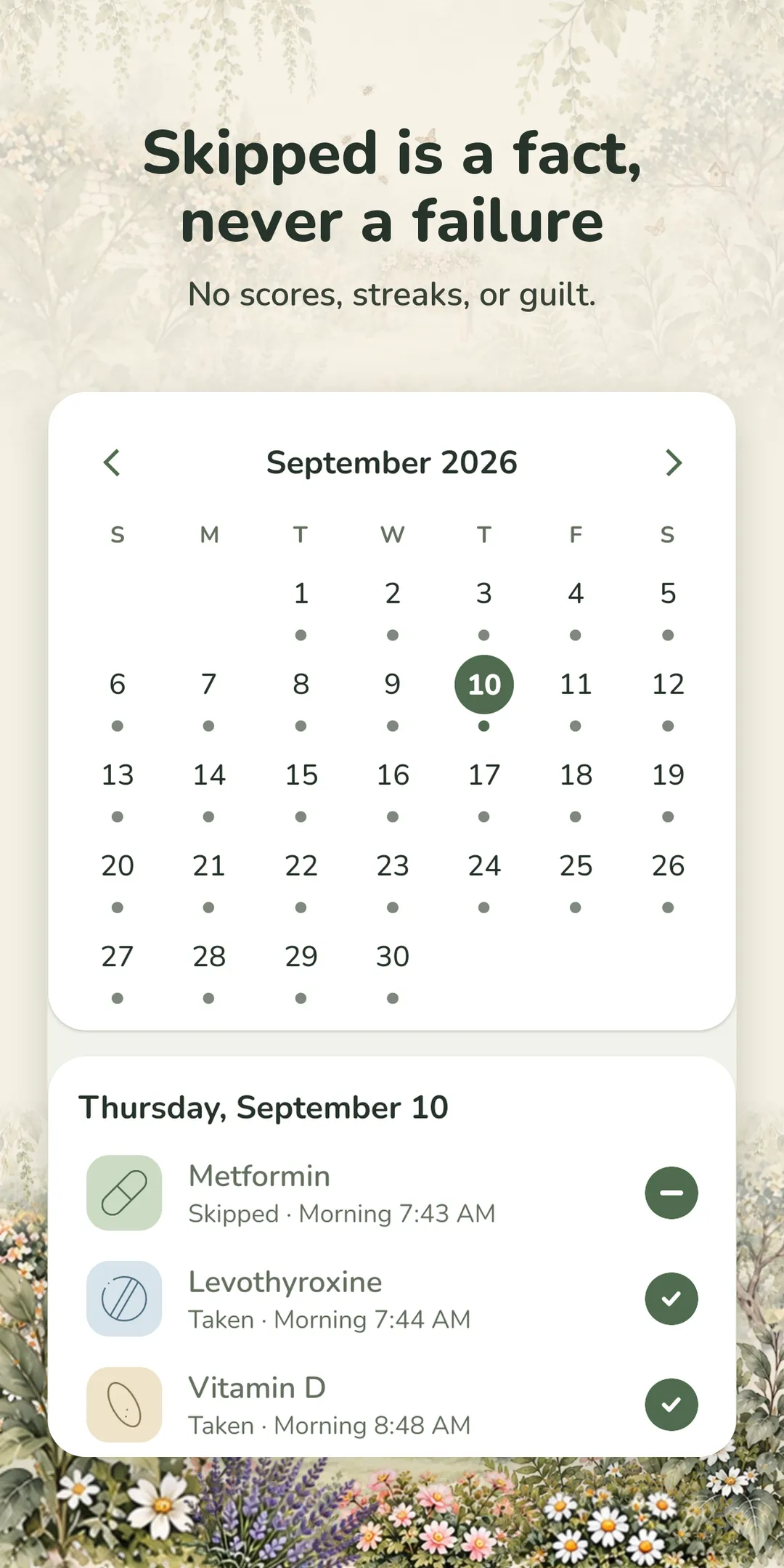
Android 5
PNG, 1080 × 2160, 1.3 MB
Download Android 5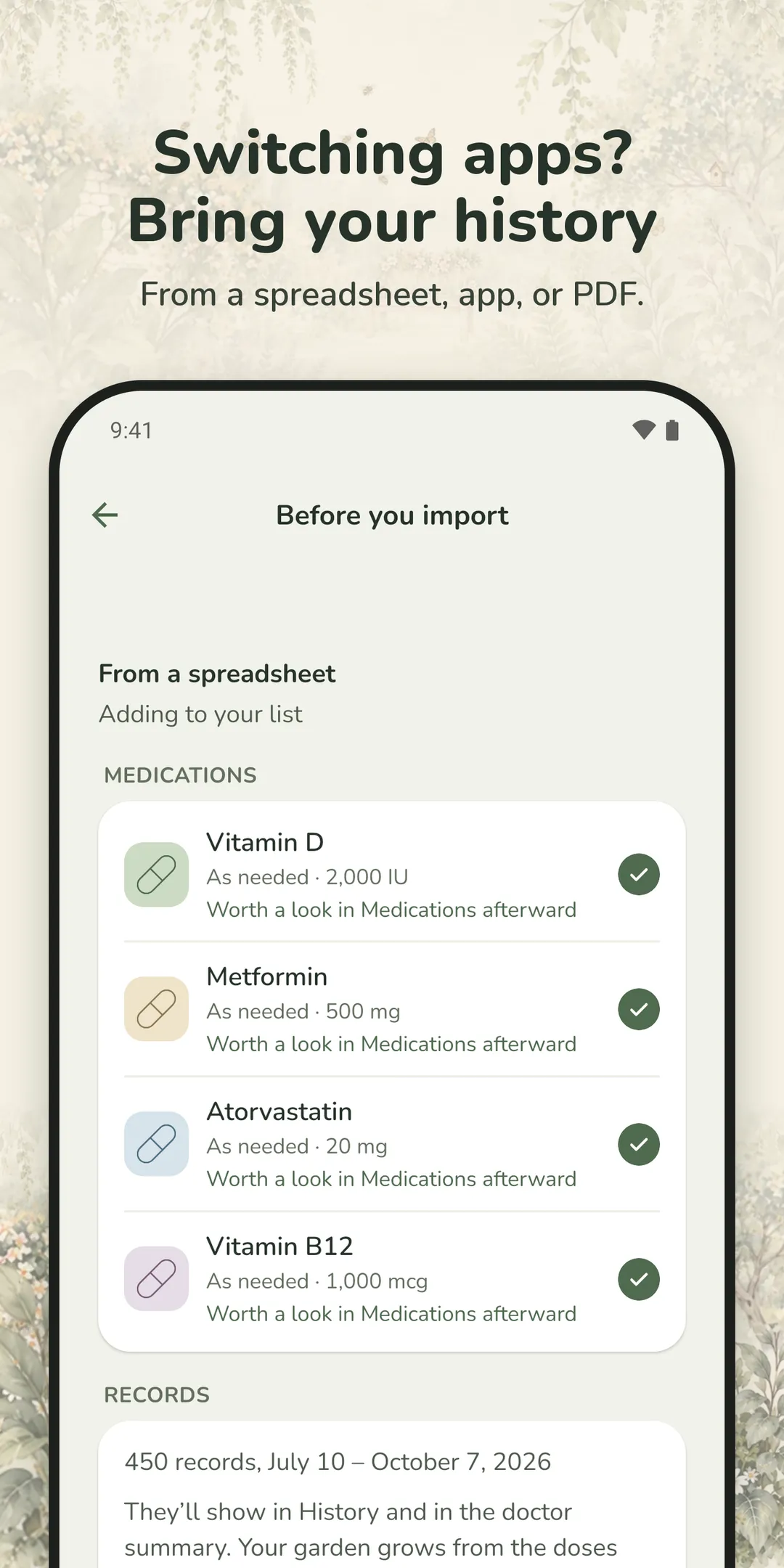
Android 6
PNG, 1080 × 2160, 1.0 MB
Download Android 6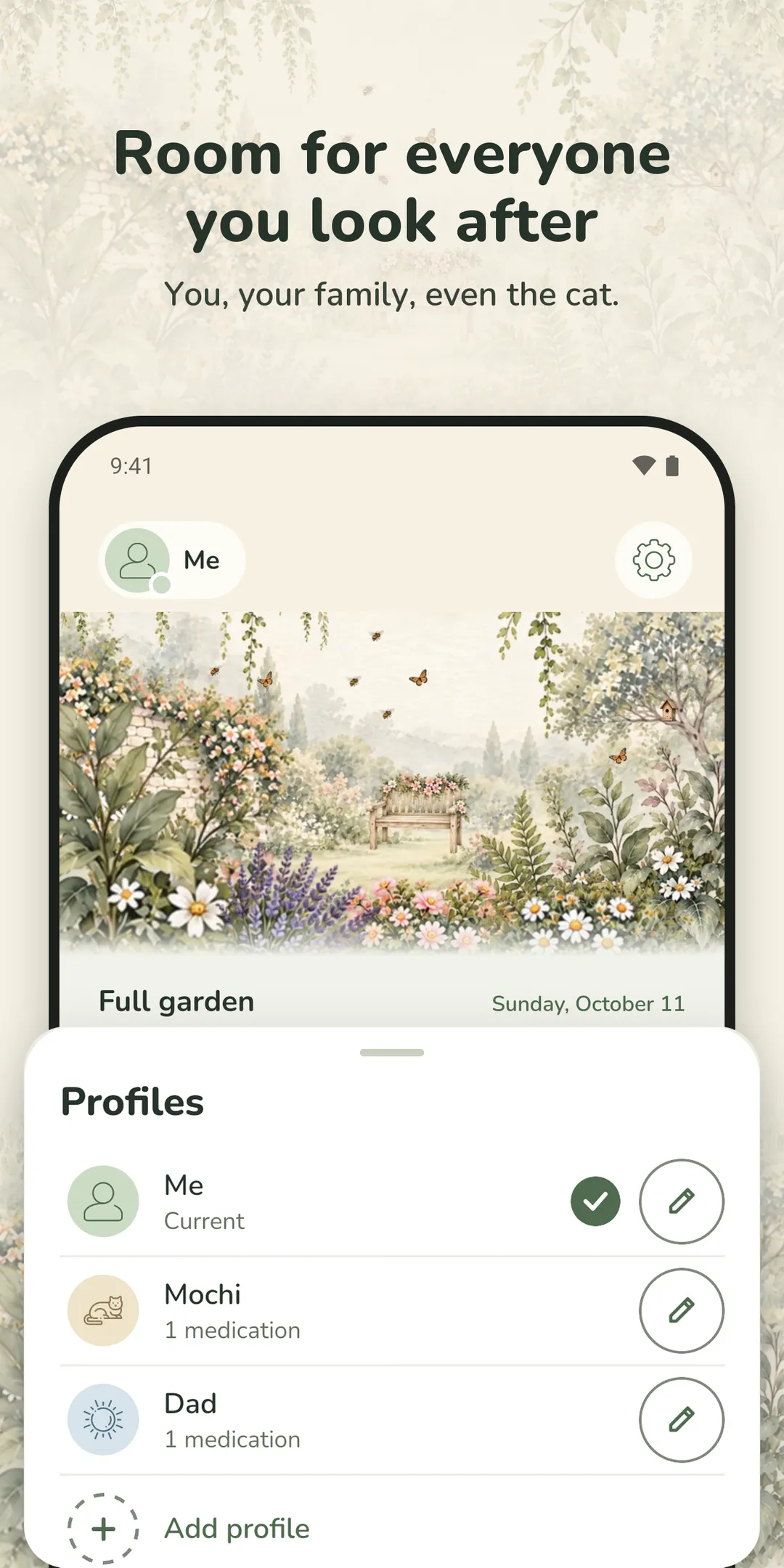
Android 7
PNG, 1080 × 2160, 1.6 MB
Download Android 7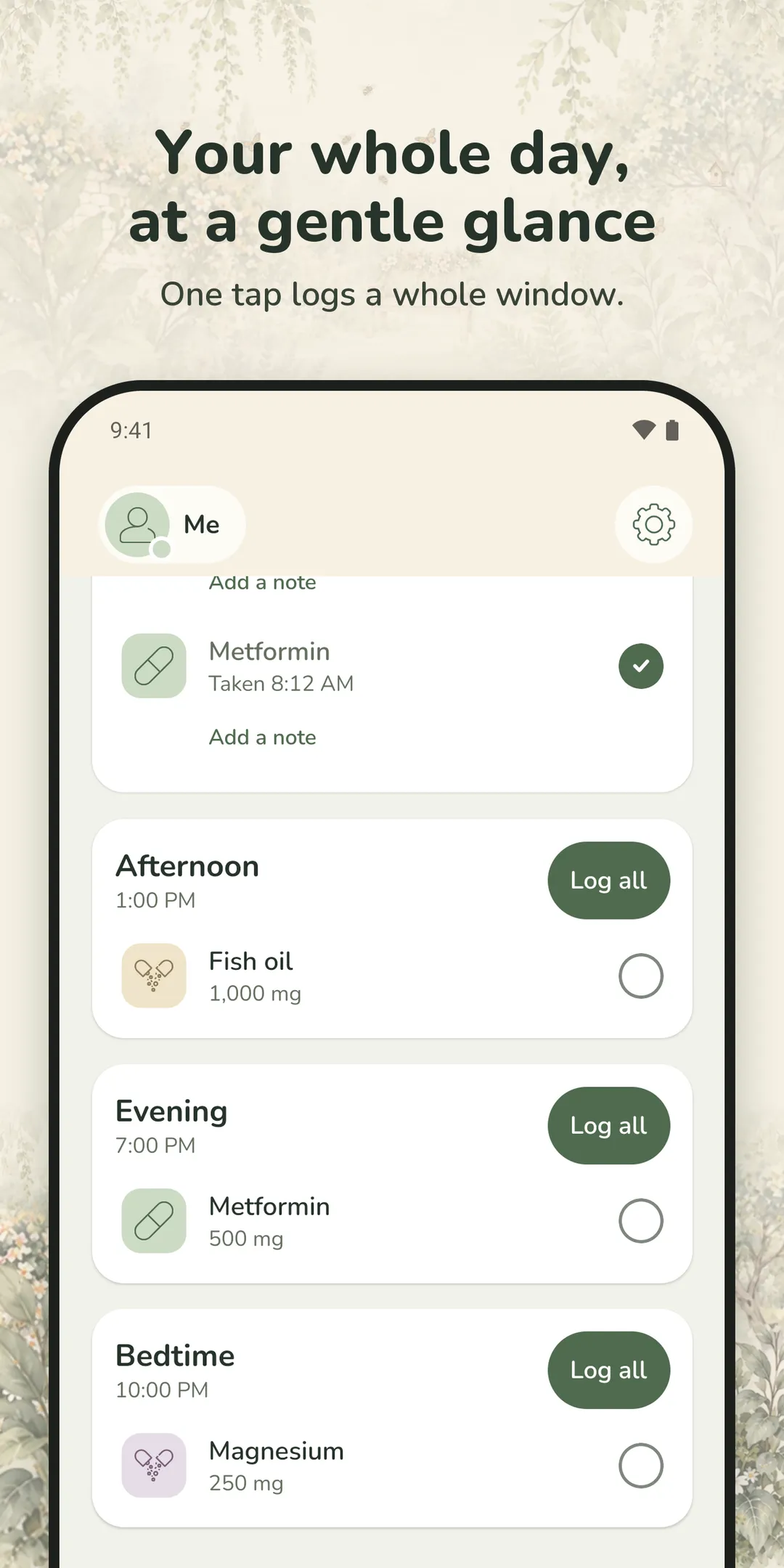
Android 8
PNG, 1080 × 2160, 0.9 MB
Download Android 8
App Store header
PNG, 3840 × 1646, 5.1 MB
Download App Store header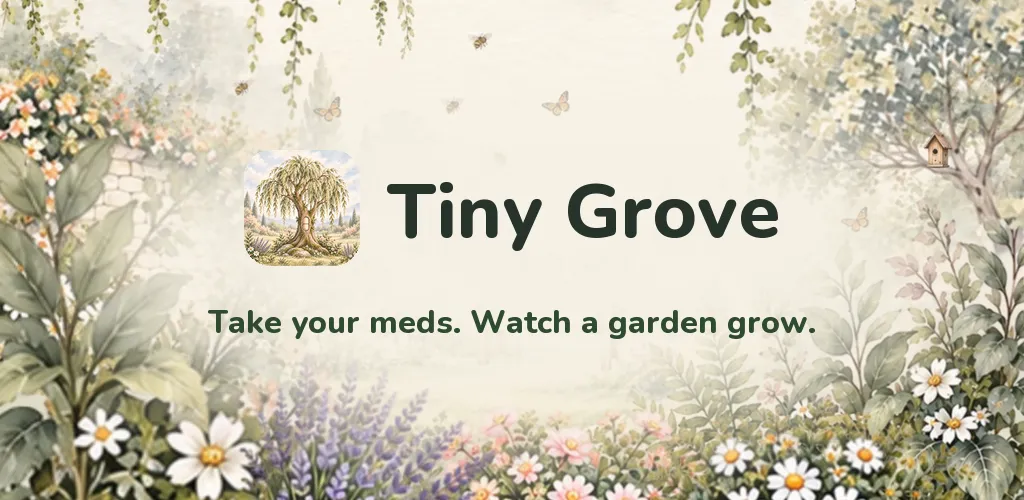
Google Play feature graphic
PNG, 1024 × 500, 0.7 MB
Download Google Play feature graphic
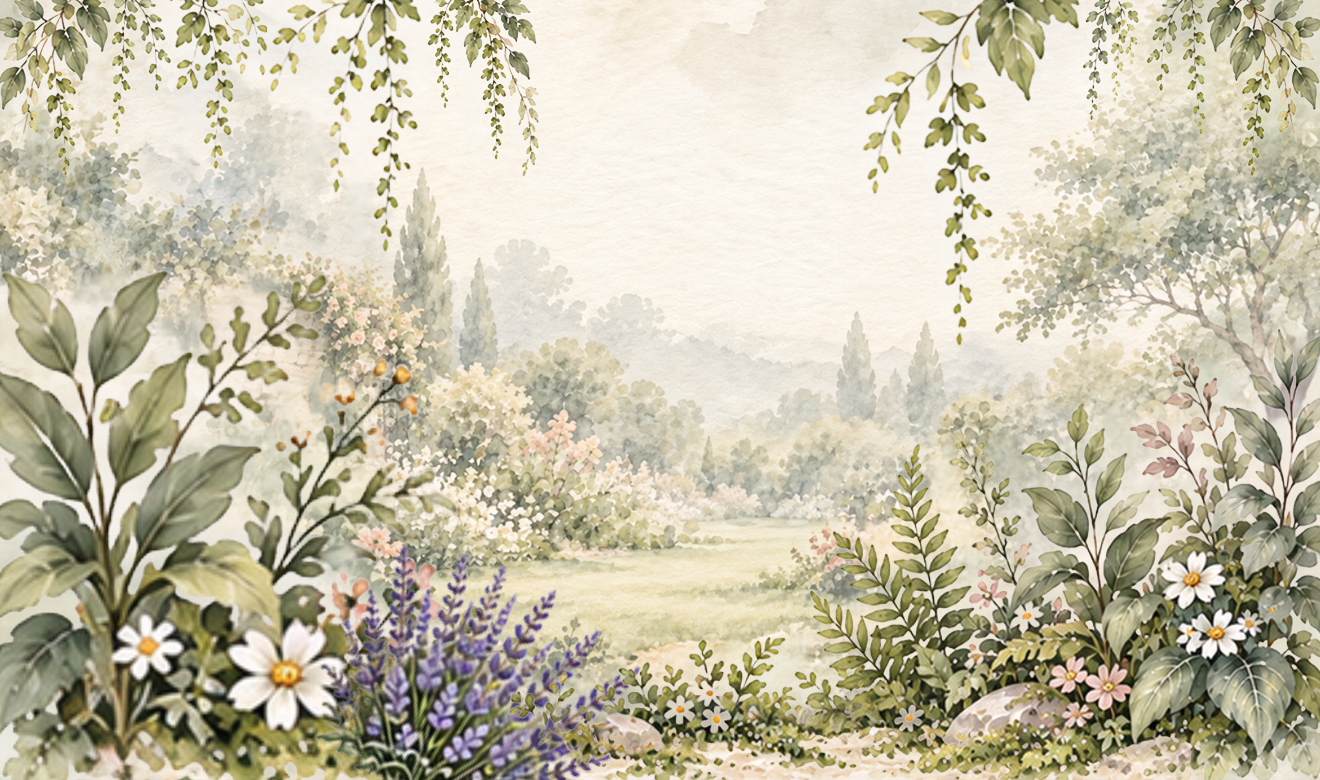
The garden early on
PNG, 1320 × 780, 2.8 MB
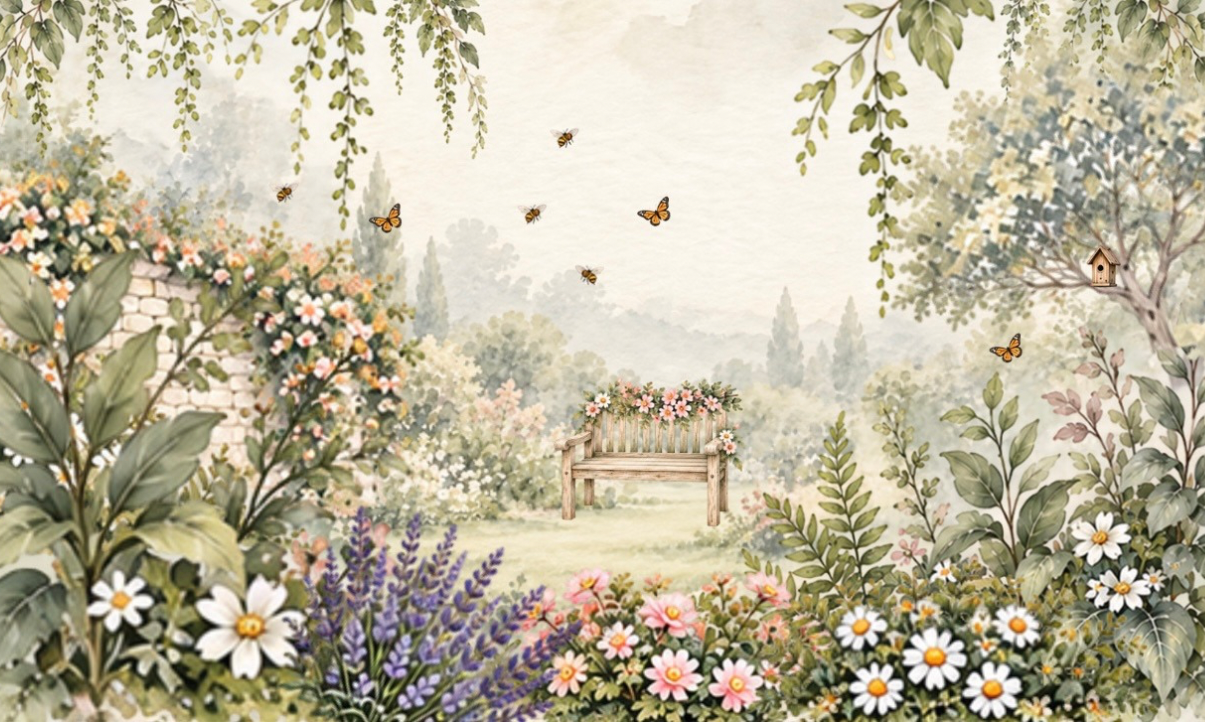
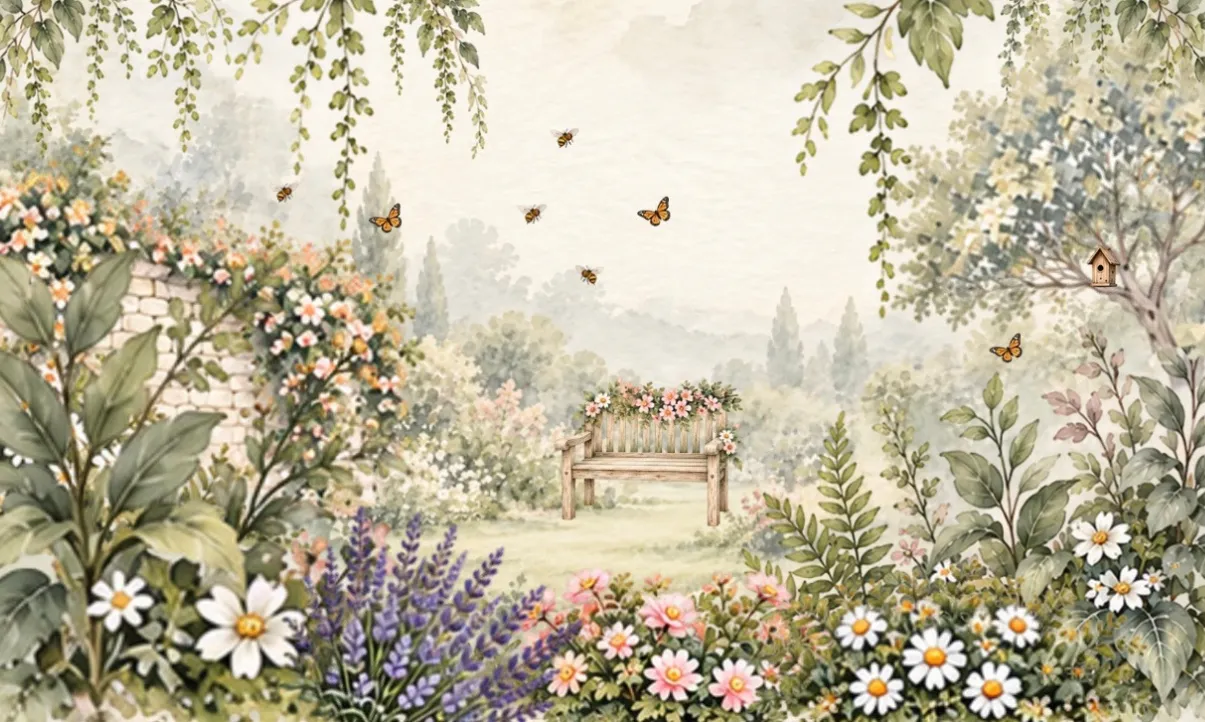
Download The garden early onThe full garden
PNG, 1205 × 722, 2.5 MB
Download The full gardenFree to use in coverage of Tiny Grove. Illustrations and app icon by Bumblely on Etsy.
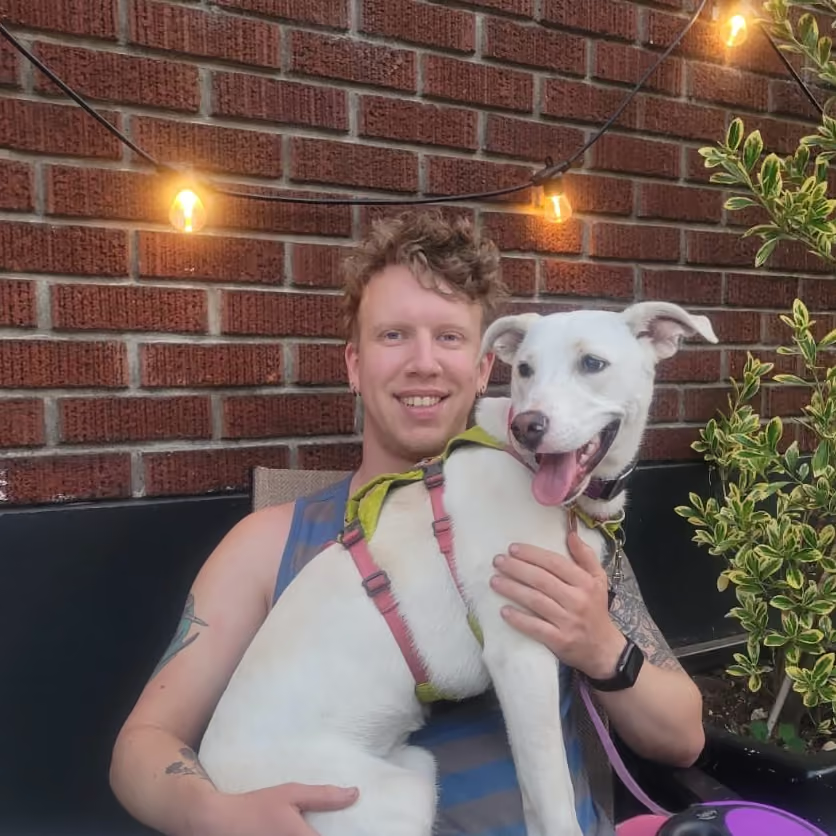
Colter Garrison is a developer in the Columbia Gorge who builds websites for local businesses as Balsamroot Digital, after years in health care as an EMT, a CNA, and a nurse. When he’s not at the keyboard, he’s out on his gravel bike.
Tiny Grove is a routine tool, not medical advice. Always follow the guidance of your doctor or pharmacist.